DOSBox: How an Emulator Saved PC Gaming History
DOSBox recreates the MS-DOS era on modern PCs. Discover how this open-source emulator preserves classic games and powers platforms like GOG, Steam, and Origin.

Before Windows became the standard, most personal computers ran on MS-DOS. It was a simple, text-based operating system that powered thousands of early games and applications. For a generation of users, DOS was where computing began. Yet as technology advanced, that entire ecosystem disappeared. Modern systems no longer recognize 16-bit software, and most of the machines that once ran it have long since failed.
DOSBox emerged as the solution. It recreates a complete DOS computer in software, allowing programs from the 1980s and 1990s to run again on modern hardware. Over time, this open-source emulator has grown far beyond a hobby project. It became a cornerstone of software preservation, powering museums, websites, and commercial re-releases across the gaming industry. This article explores how DOSBox works, how it evolved through community-driven forks and front-ends, and how it became the retro backbone of platforms like GOG, Steam, and Origin.
What's a DOSBox?
DOSBox began in 2002 as a project by Dutch programmers Peter “Qbix” Veenstra and Sjoerd “Harekiet” van der Berg. Both were longtime PC enthusiasts who noticed that newer versions of Windows were slowly abandoning compatibility with MS-DOS software. They rightfully realized the next generation of systems, starting with Windows XP, would no longer run DOS applications natively. Rather than see those programs disappear, they set out to build a complete DOS-compatible environment in software.
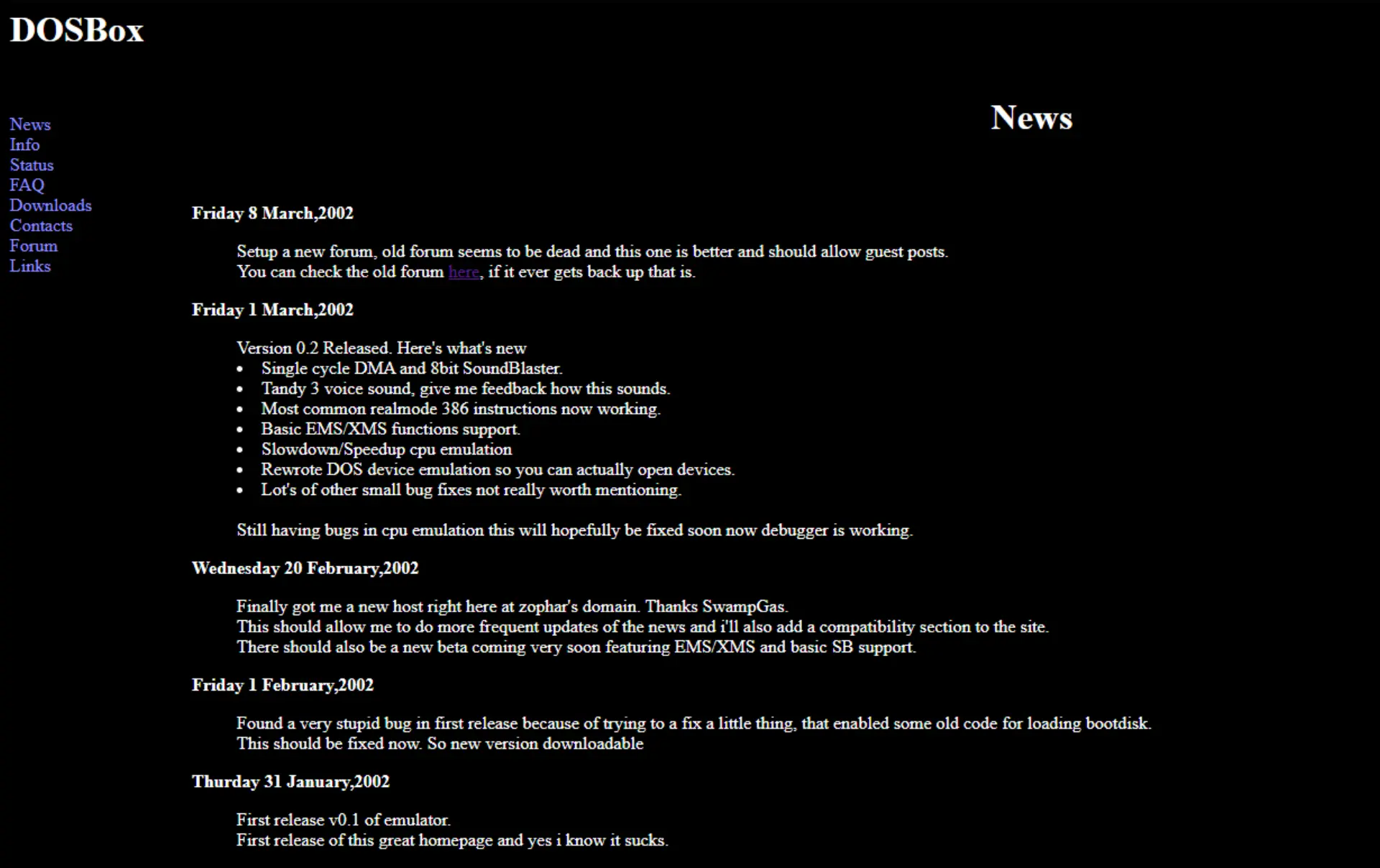
The result was DOSBox, which creates a complete virtual computer that behaves exactly like a physical machine from the MS-DOS era. Inside this digital environment, programs run as if they were on real hardware, unaware that they are being emulated. This approach allows software written more than thirty years ago to operate on modern systems without modification, preserving not just the code but the experience of using an early PC.
DOSBox is primarily written in C++ and relies on SDL (Simple DirectMedia Layer), a cross-platform library that abstracts access to video, sound, and input devices. SDL allows DOSBox to operate consistently across Windows, macOS, and Linux without platform-specific code. Additional open-source libraries extend SDL’s capabilities for sound synthesis, joystick mapping, and MIDI playback.
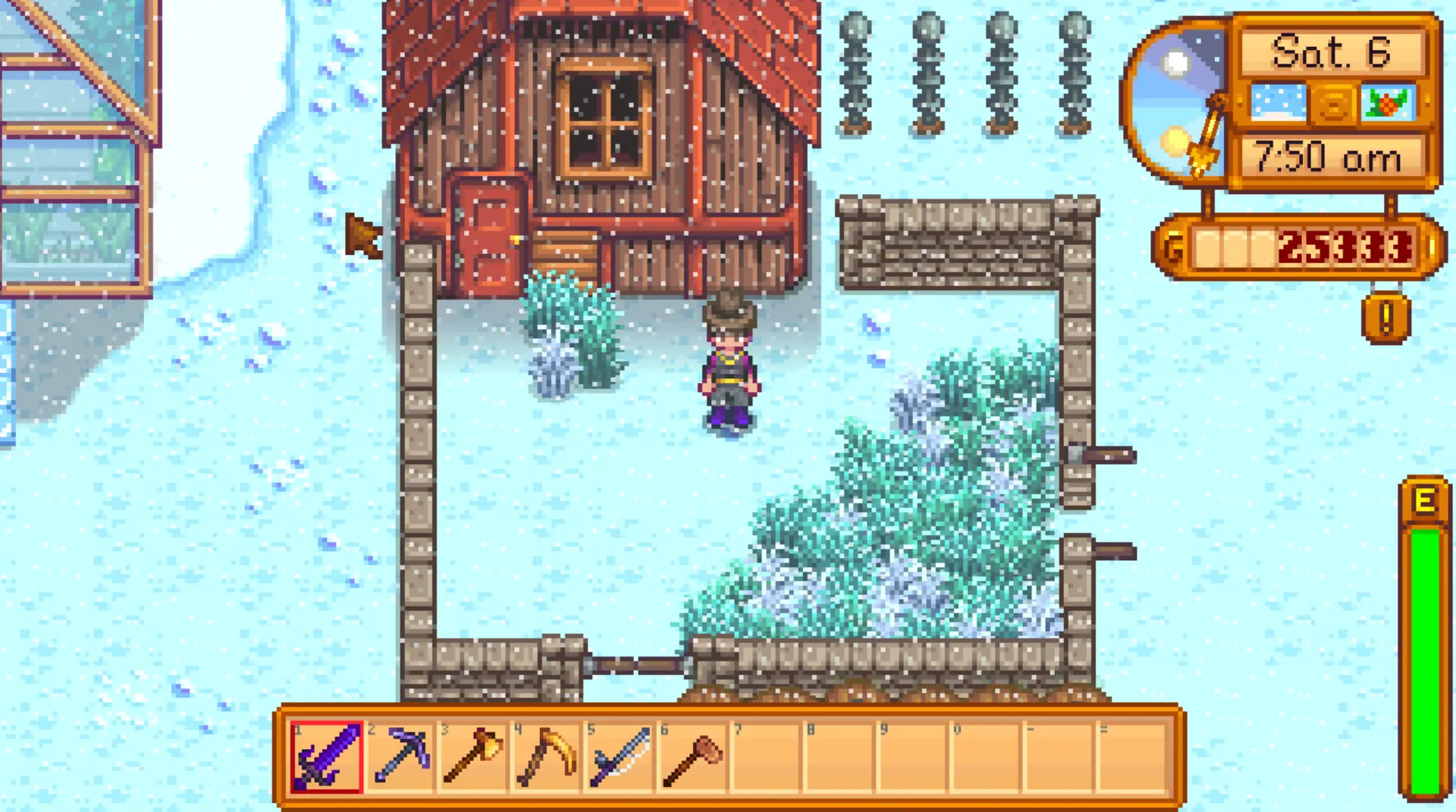
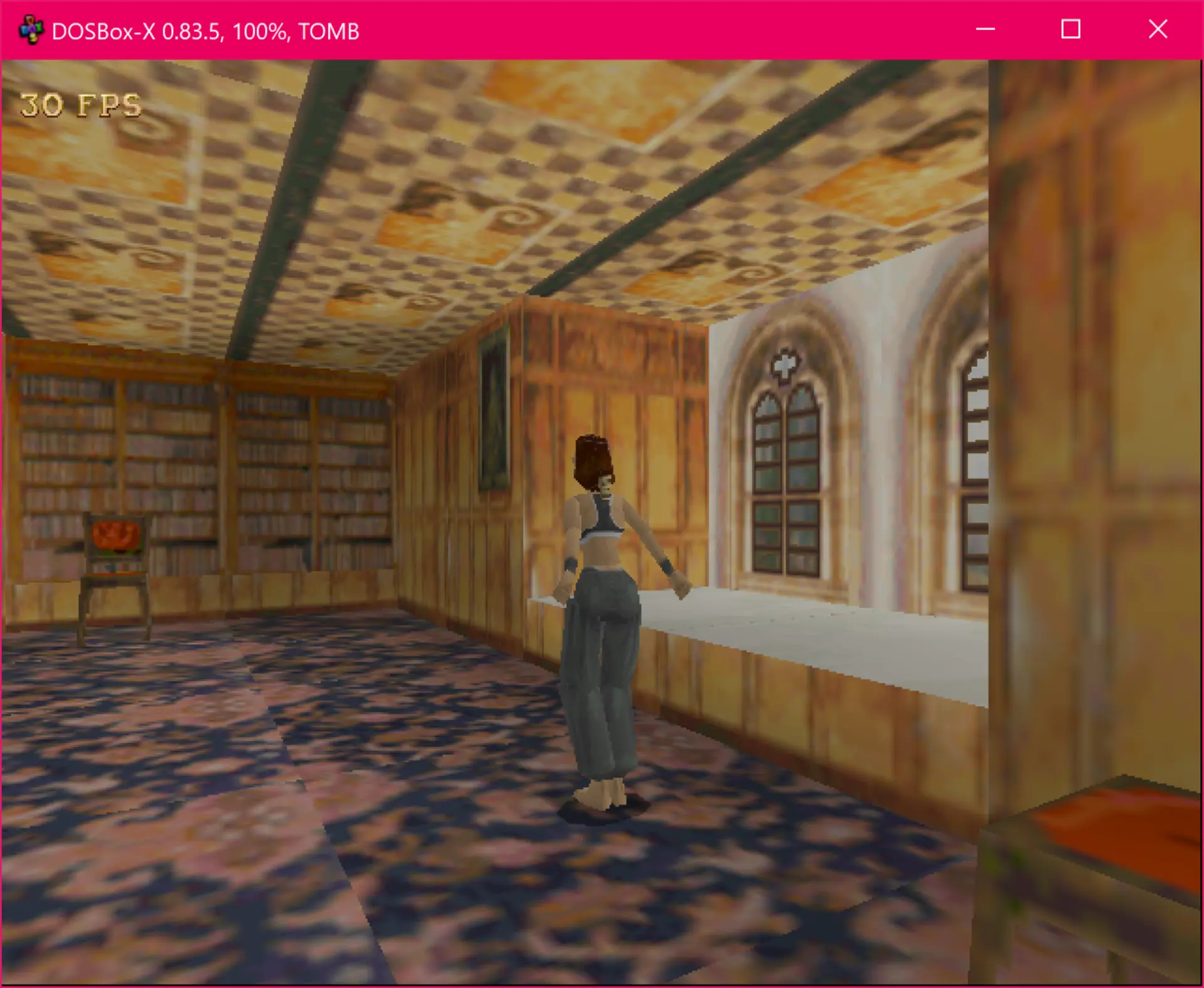
Inside the emulator, the most critical component is the CPU core, which interprets or dynamically recompiles x86 instructions from the original Intel 8086 through the early Pentium generation. DOSBox also includes a memory manager, a BIOS emulator, and subsystems that simulate video and audio hardware. When a DOS program makes a hardware call, DOSBox intercepts it and responds just as a real PC would have.
DOSBox faithfully reproduces the hardware used by DOS applications. It supports VGA graphics with standard resolutions and color modes, as well as several sound cards including Sound Blaster, AdLib, and Gravis Ultrasound. It can emulate joysticks, serial ports, and mice, mapping modern devices through SDL.
One of DOSBox’s most useful features is its built-in DOS-like operating layer: users do not need a copy of MS-DOS to run software. Instead, they can mount directories or disk images as virtual drives and interact through familiar DOS commands. This design bridges old file systems and modern operating environments with minimal setup.
That said, because DOSBox emulates hardware instruction by instruction, it consumes far more processing power than the original systems. Early versions struggled with advanced titles, but as host CPUs improved, performance became less of a concern. Most DOS games now run smoothly even on modest hardware.
The Ecosystem: Forks, Front-Ends, and Beyond
As an open-source project, DOSBox has inspired a thriving ecosystem of forks, tools, and adaptations. Developers across the world have taken its foundation and pushed it in new directions, expanding what DOS emulation can achieve. Some focus on improving technical accuracy, others on accessibility or integration with modern platforms. With the original DosBox project mostly abandoned, these have kept the project active and relevant for more than a decade.
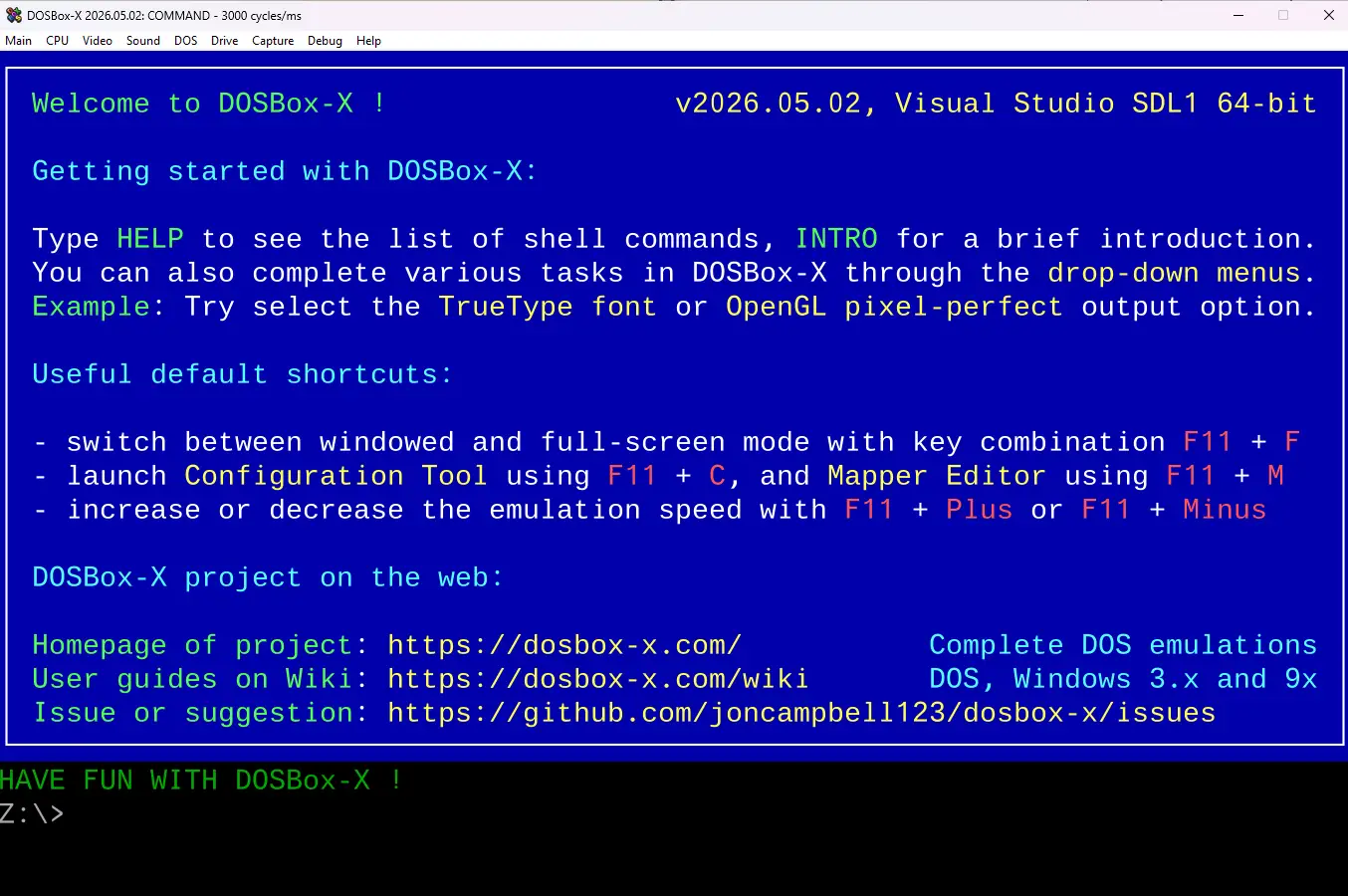
One of the most influential offshoots is DOSBox-X, a fork that prioritizes precision and long-term preservation. It extends the original code to emulate a wider range of PC hardware, including printers, serial devices, and complex memory models. DOSBox-X also introduces professional features such as real-time debugging and advanced configuration tools, making it popular among archivists and researchers who study historical software environments.
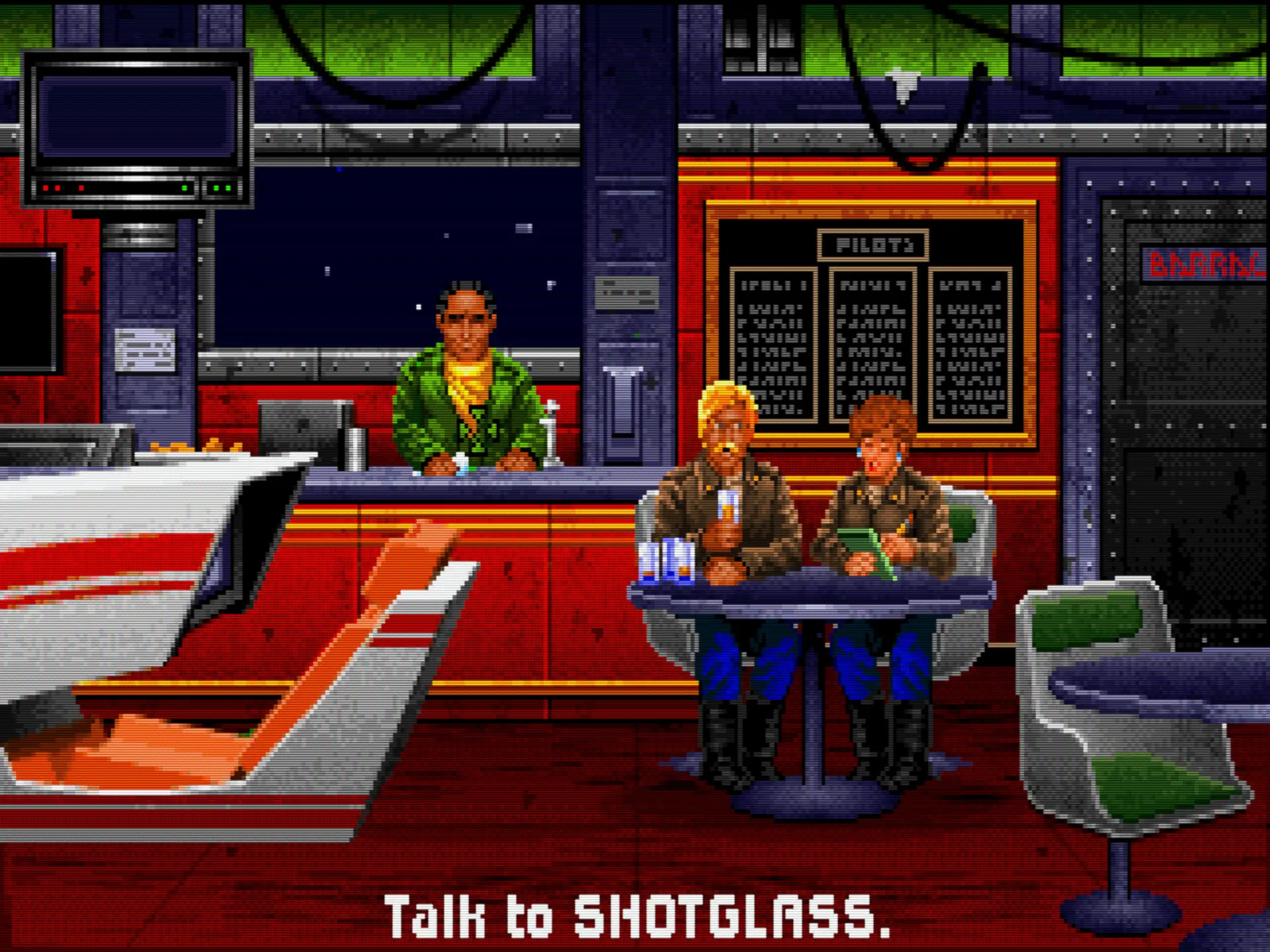
Another major branch is DOSBox Staging, which focuses on usability and modernization. Its goal is to make DOSBox easier to maintain and more comfortable for everyday users. It includes refinements such as improved video scaling, modern controller support, and automatic game detection. Staging represents an effort to streamline the emulator’s codebase while maintaining compatibility with the original project—a modernization of both its internals and its user experience.
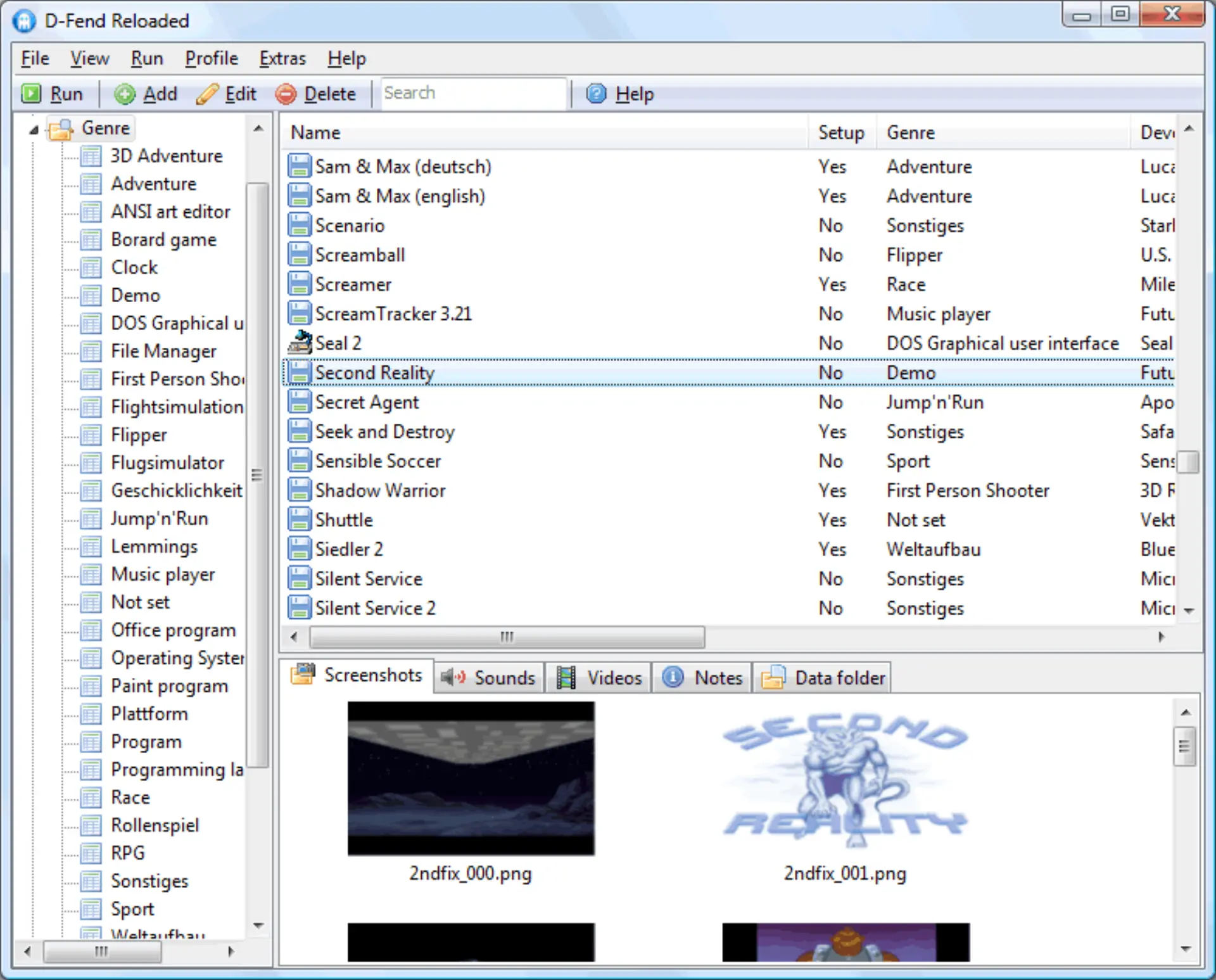
For players who prefer visual interfaces, several front-ends have emerged to simplify configuration and game management. The most popular on Windows is D-Fend Reloaded, a launcher that turns DOSBox setups into a library of organized profiles. Users can adjust sound cards, graphics settings, and input options without ever editing configuration files. It remains one of the easiest ways to manage a large DOS collection, offering a polished experience for both casual users and dedicated retro gamers.
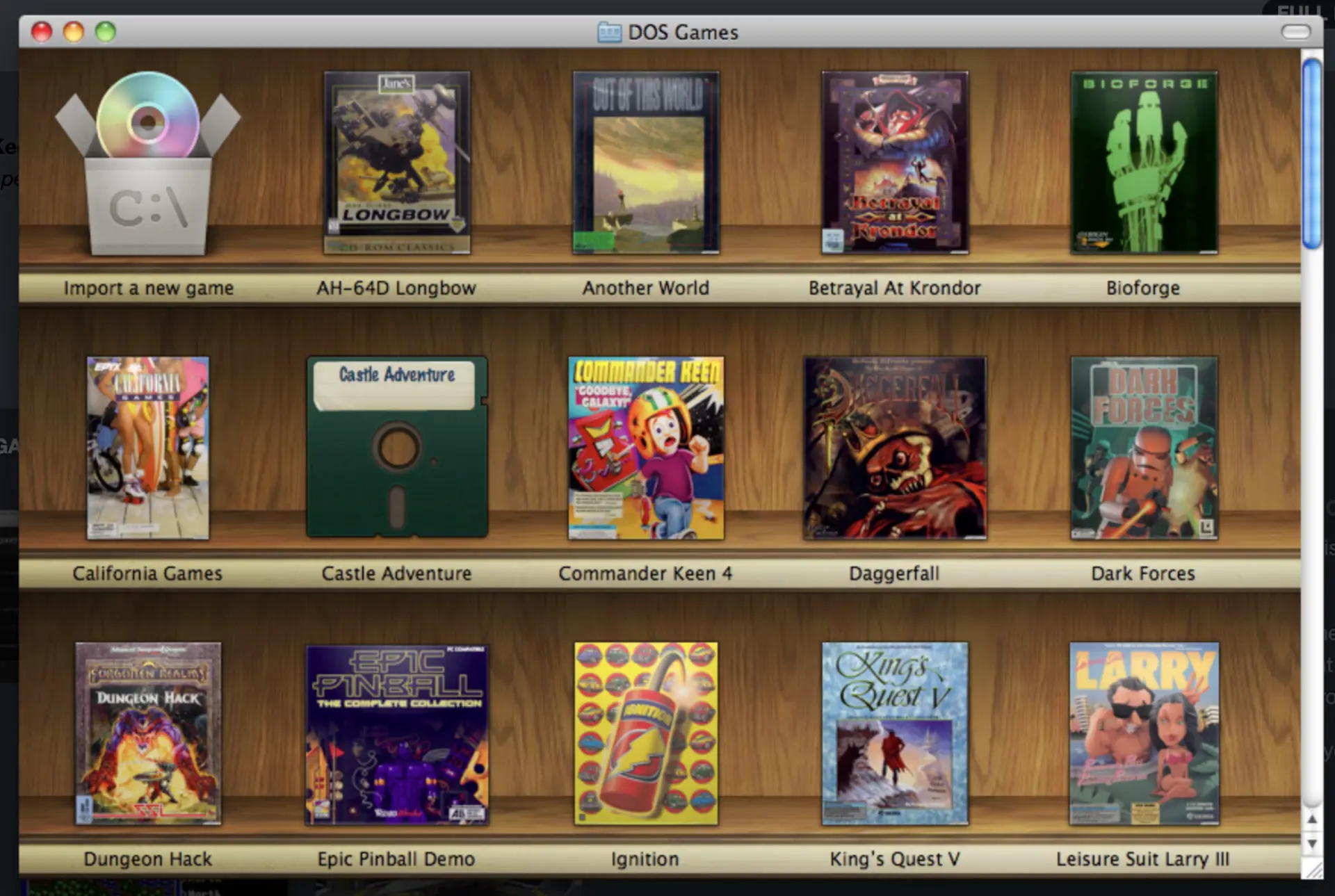
On macOS, Boxer provided a similar experience with its drag-and-drop interface and self-contained “game packages.” Each title appeared as a standalone app, ready to play without command-line setup. For many years, Boxer was the definitive way to enjoy DOS games on Mac systems, helping introduce a new generation of players to classic software.
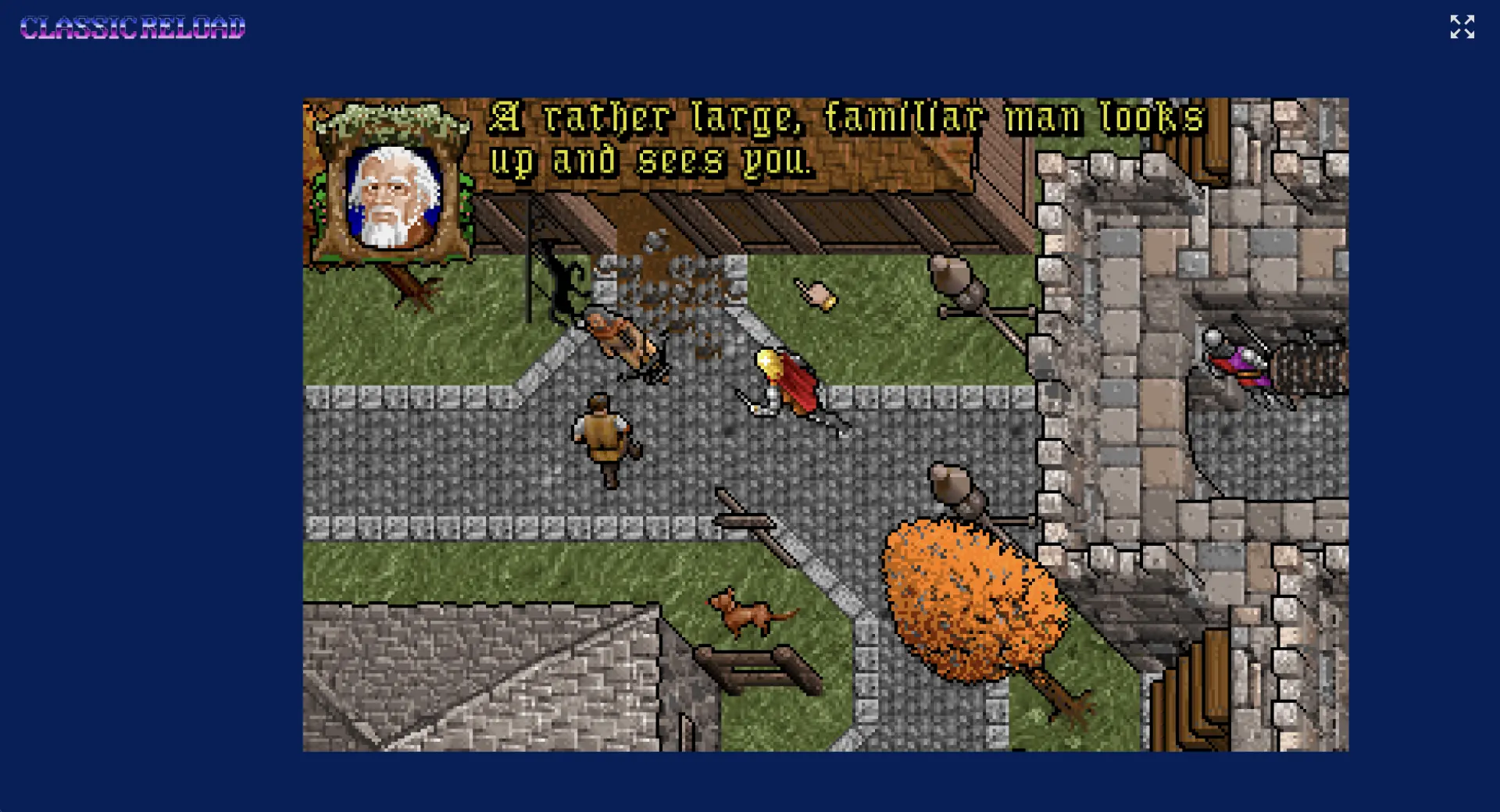
The technology behind DOSBox has also reached the web. Projects such as js-dos compile the emulator into JavaScript and WebAssembly, allowing classic games to run entirely in a browser. Sites like ClassicReload use this technology to host playable archives, demonstrating how far digital preservation has advanced. The fact that a 1980s-era DOS game can now run inside a modern webpage shows the lasting flexibility of DOSBox’s design.
Commercial Use
As gaming moved away from floppy disks, many classic DOS titles faced extinction. Modern computers no longer supported 16-bit executables, legacy sound drivers, or the low-level hardware tricks that made those games work. Rebuilding or porting them was impractical, and in many cases impossible, since the original source code had been lost. The answer came from an unlikely hero: DOSBox.
Initially, several studios used DOSBox to power their anthology collections and boxed re-releases. Publishers bundled classic titles on CD or DVD along with a preconfigured emulator, allowing players to install and run games that would otherwise no longer function. These early compilations proved that open-source emulation could make commercial rereleases both practical and legally compliant.
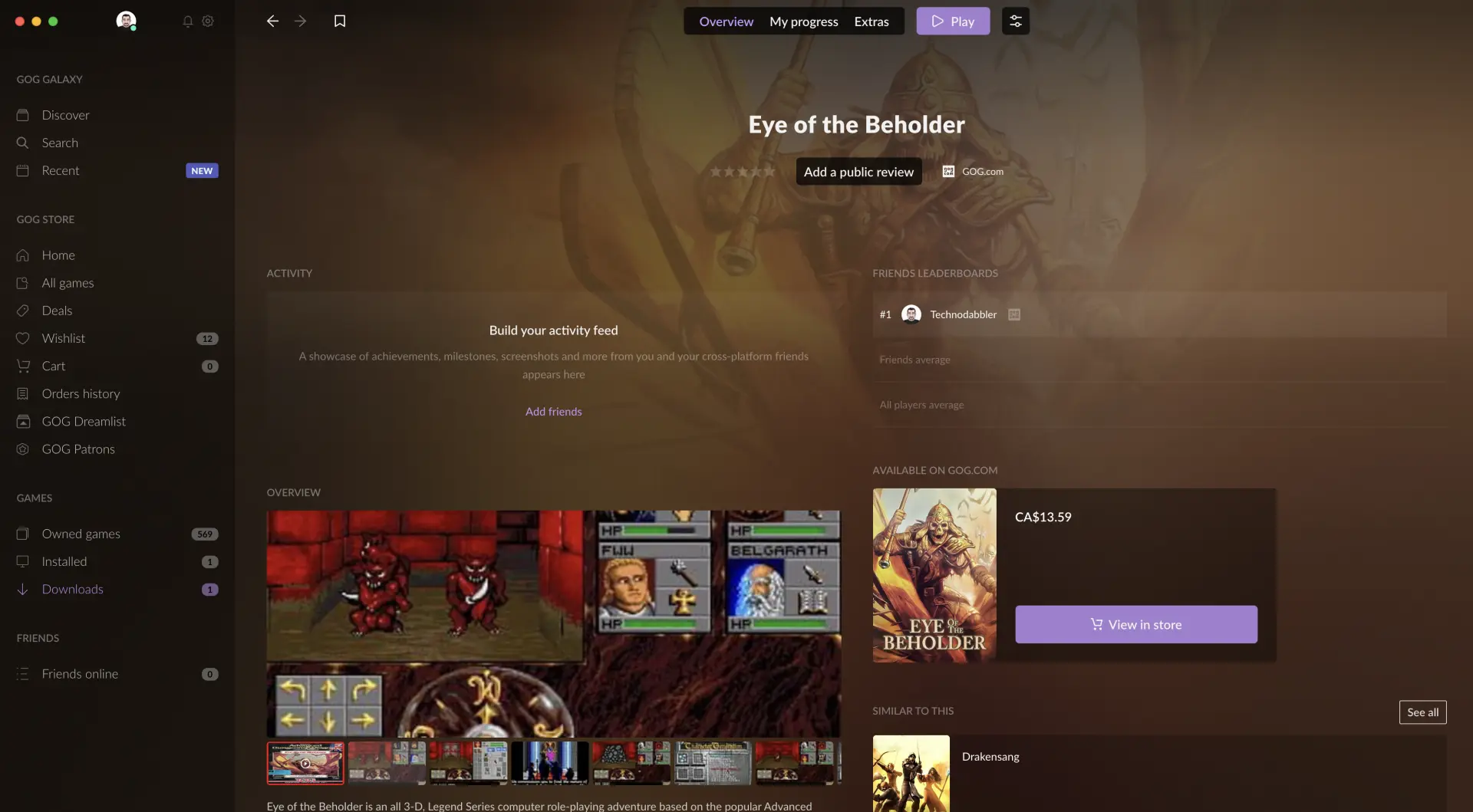
This approach laid the groundwork for modern digital stores. At least three major platforms, GOG, Steam, and Electronic Arts’ Origin, have all adopted DOSBox to bring back their classic PC catalogs. Among them, Good Old Games (GOG) remains the most visible example. From its launch in 2008, GOG built its reputation on delivering old PC titles that simply work. Most DOS-era release ships with a preconfigured DOSBox environment tuned for graphics, timing, and sound. This design lets players install and play without ever touching a command line, while preserving the original game code exactly as it shipped decades ago. DOSBox is also the reason many of these titles are available on platforms that would not normally support them, such as macOS and Linux, since the emulator handles all the platform-specific hardware differences internally.
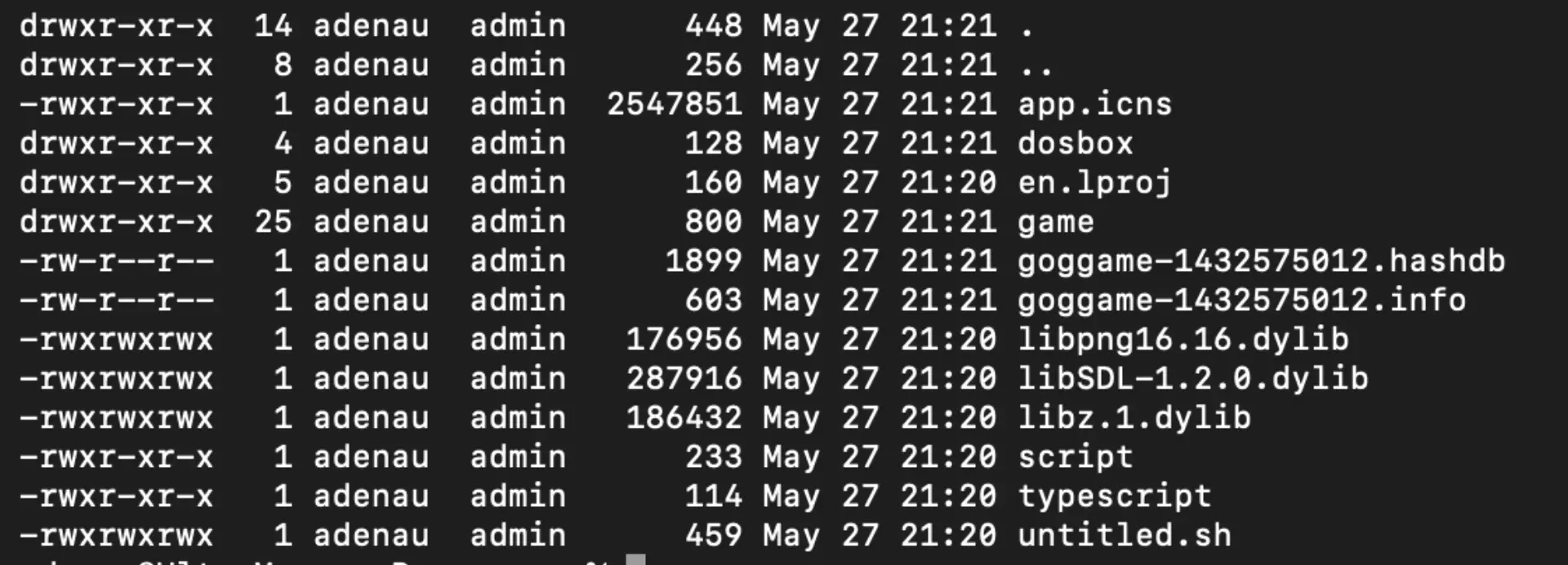
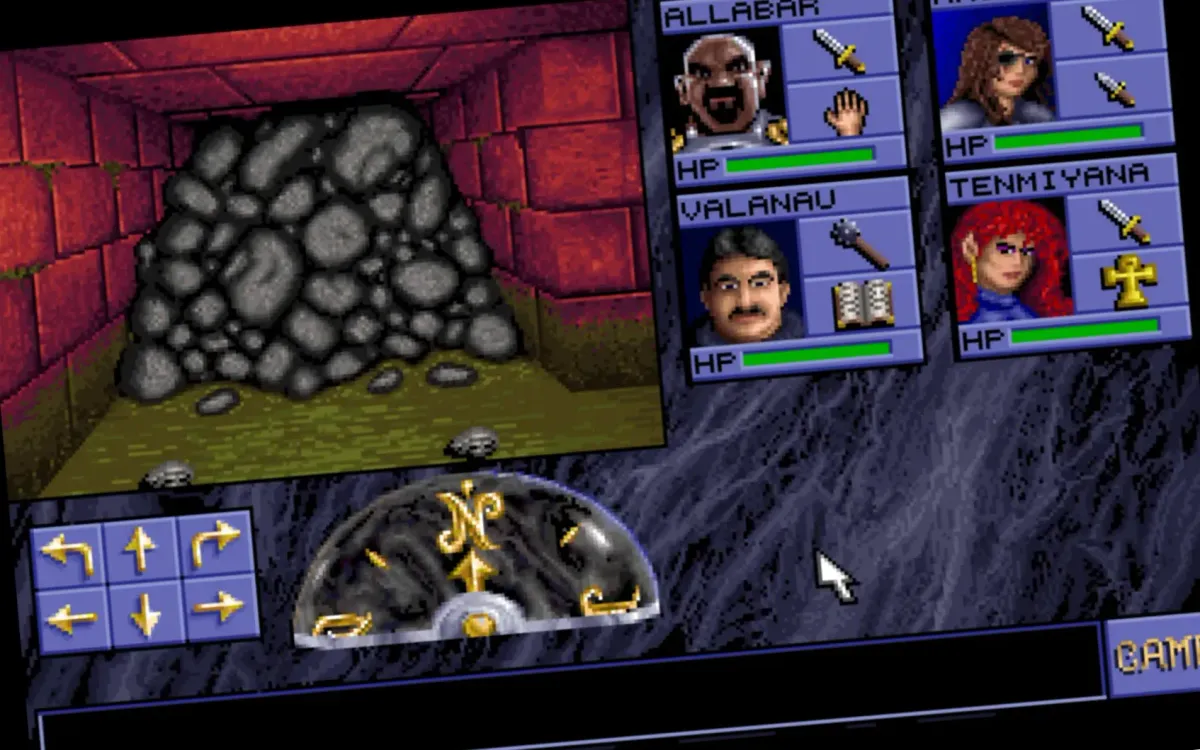
Steam and Origin followed similar paths. Valve’s store has used DOSBox for titles such as DOOM, Heretic, and The Elder Scrolls: Arena, while Electronic Arts’ Origin client relied on it for classics including Syndicate and SimCity 2000. In all cases, the emulator operates quietly in the background, turning otherwise obsolete software into plug-and-play experiences for modern users. DOSBox has become one of the most deployed emulators in the world, running inside millions of legitimate game installations.
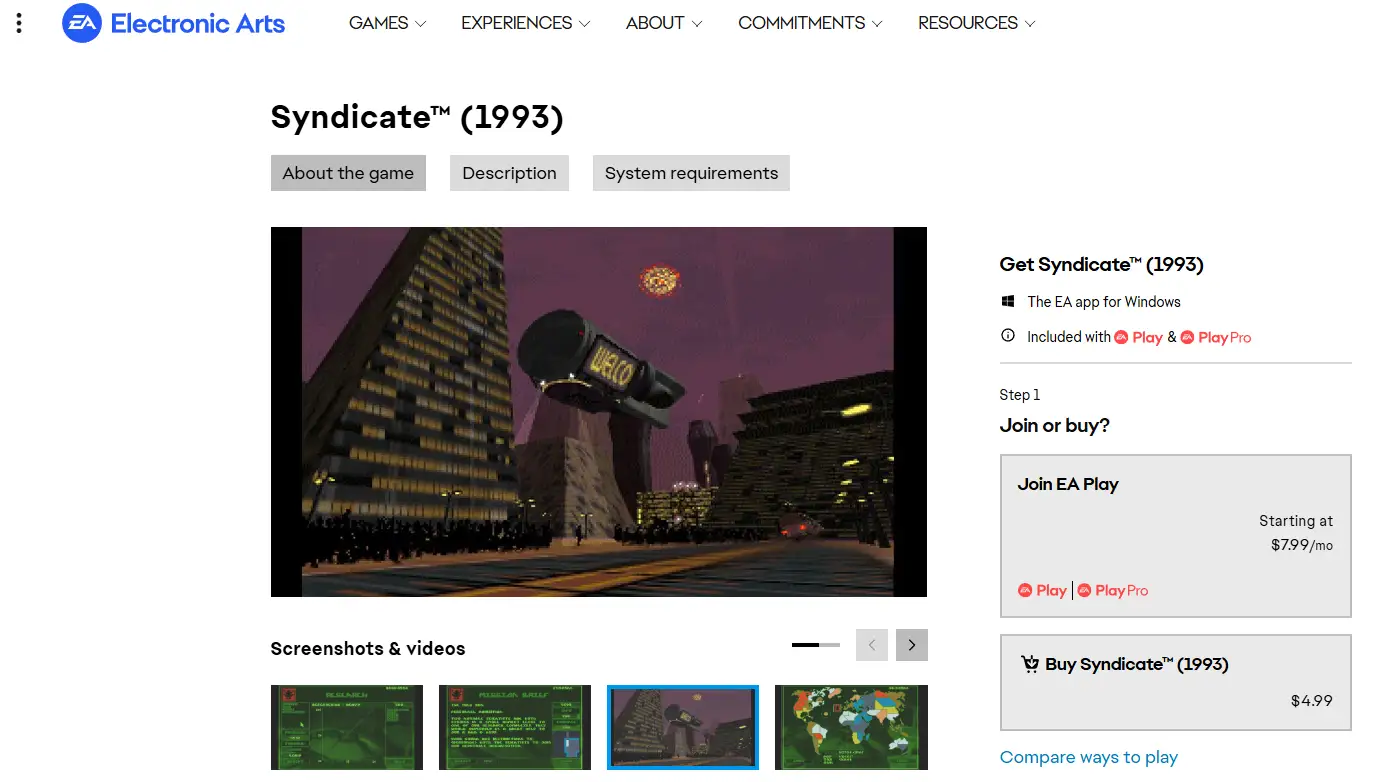
Each publisher adapts DOSBox to fit its own catalog. Most releases include a custom configuration file (dosbox.conf) that defines screen resolution, CPU cycles, and input mapping, along with launch scripts that mount virtual drives or adjust timing loops. Some companies even compile custom DOSBox binaries to improve performance or integrate better with their client software.
[sdl]
fullscreen=true
fulldouble=false
fullresolution=desktop
windowresolution=original
output=opengl
autolock=true
sensitivity=100
waitonerror=true
priority=higher,normal
mapperfile=mapper-0.74-2.map
usescancodes=true

[dosbox]
language=
machine=svga_s3
captures=capture
memsize=16

...
The beginning of the dosbox.conf file for Eye of the Beholder. When buying a DosBox package game, it includes a preconfigure config file that has been tested by the distributor.
This modular design shows the strength of DOSBox’s architecture. It can be customized for a single game or scaled across hundreds, ensuring consistent performance and minimal user friction. The same concept that powers a single GOG installer also drives massive digital libraries.
Legally, the model is sound. DOSBox is licensed under the GNU General Public License (GPL v2), which allows redistribution and modification as long as the modified source is made available, the inclusion of DOSBox is clearly acknowledged, and the original license text is included. Companies like GOG, Valve, and EA simply license the original games while relying on open-source emulation to deliver them. This combination of legal licensing and open technology has created a rare win-win scenario: developers, publishers, and players all benefit from software preservation that respects intellectual property.
Preservation at its Best
The success of DOSBox in commercial platforms proves that emulation is not just a hobbyist tool but a vital preservation technology. It bridges the gap between old and new, letting players experience software that would otherwise be trapped on obsolete media. Without DOSBox, much of PC gaming’s early history would remain inaccessible, locked away behind lost source code and outdated operating systems.
 Alex Denault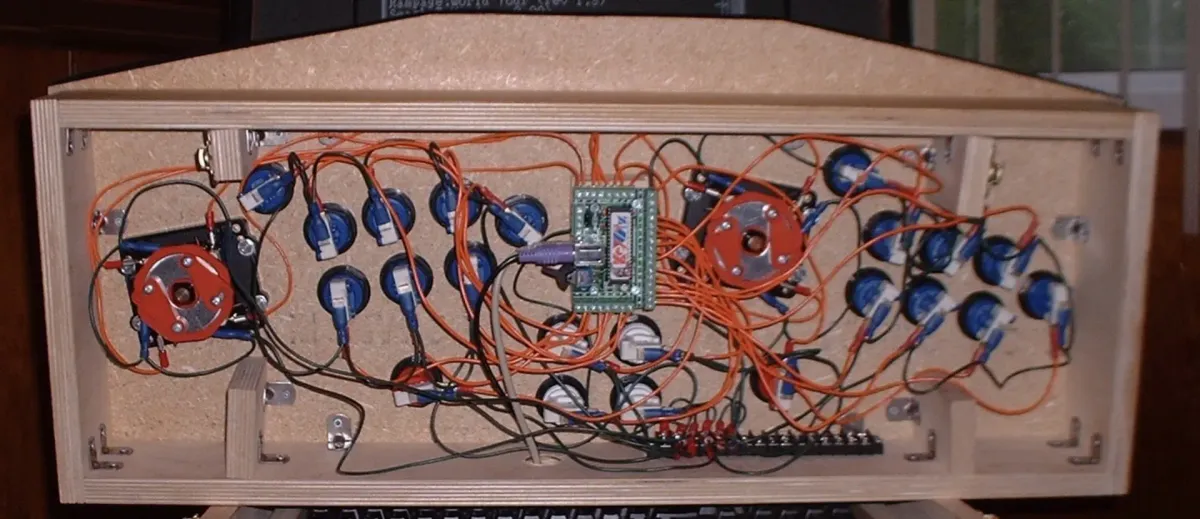
MAME, the emulator behind most DIY arcade cabinets uses similar libraries and concepts as DosBox.
Today, whether a player launches a classic from GOG, Steam, or Origin, they are likely stepping into a virtual DOS machine powered by DOSBox, a quiet but essential part of gaming’s digital legacy.
Have you ever used DOSBox to revisit an old game or piece of software? Share your favorite rediscovered title, or the first one you got running, in the comments below.
If you enjoyed this look at DOSBox and the preservation of early PC software, you might also like our article on The Ouya Microconsole Revolution, both how hardware shape digital history.