What Is a Flashcart? A Practical Guide to Playing Retro Games
Discover how flashcarts work on original retro consoles. Learn about compatibility, legal considerations, and whether a flashcart is right for your gaming needs.

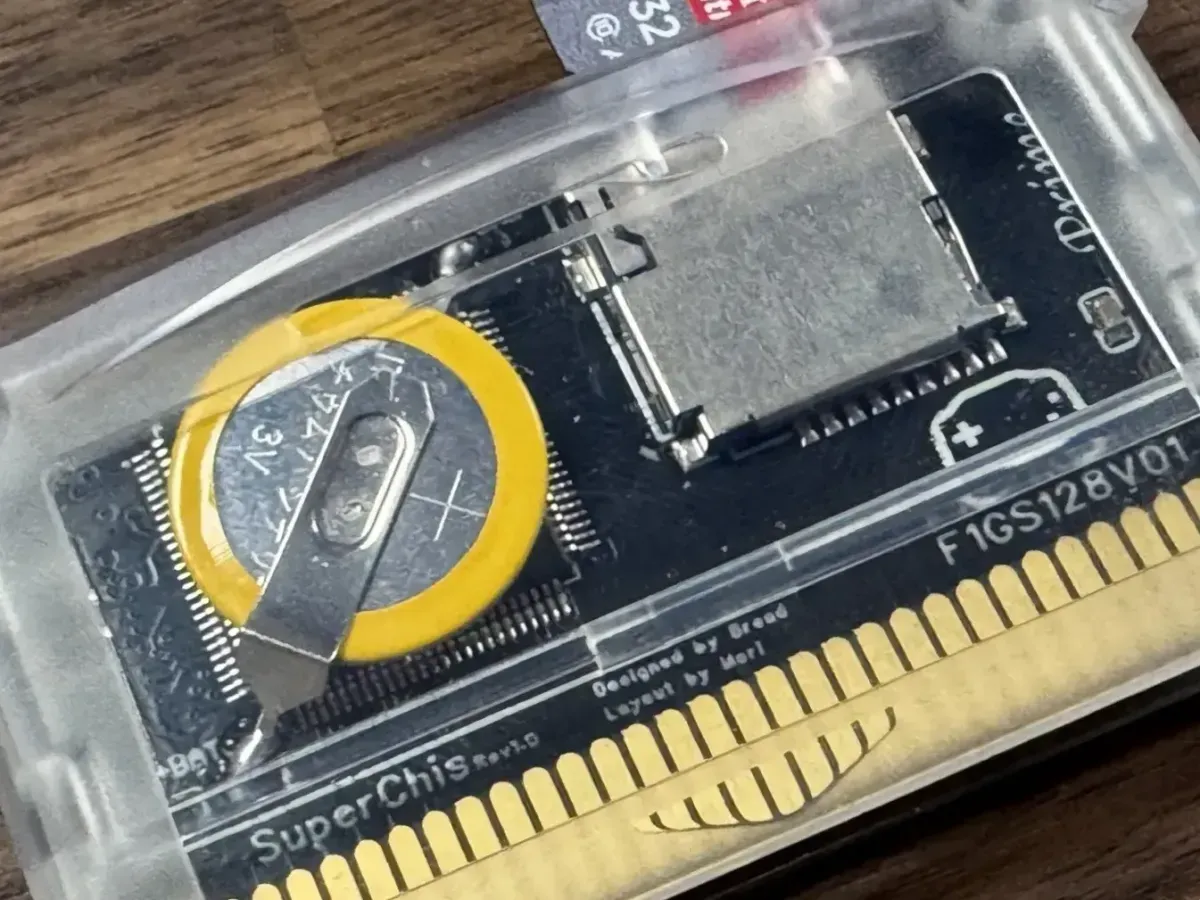
Retro gaming has moved from a niche hobby to experience accessible to anyone. Between software emulators, FPGA systems, mini consoles, custom firmware, original cartridges, and modern re-releases, players now have more options than ever to play classic games that are decades old. Among all these options, flashcarts are an interesting option because they preserve the original console experience while replacing the original cartridge with reusable storage.
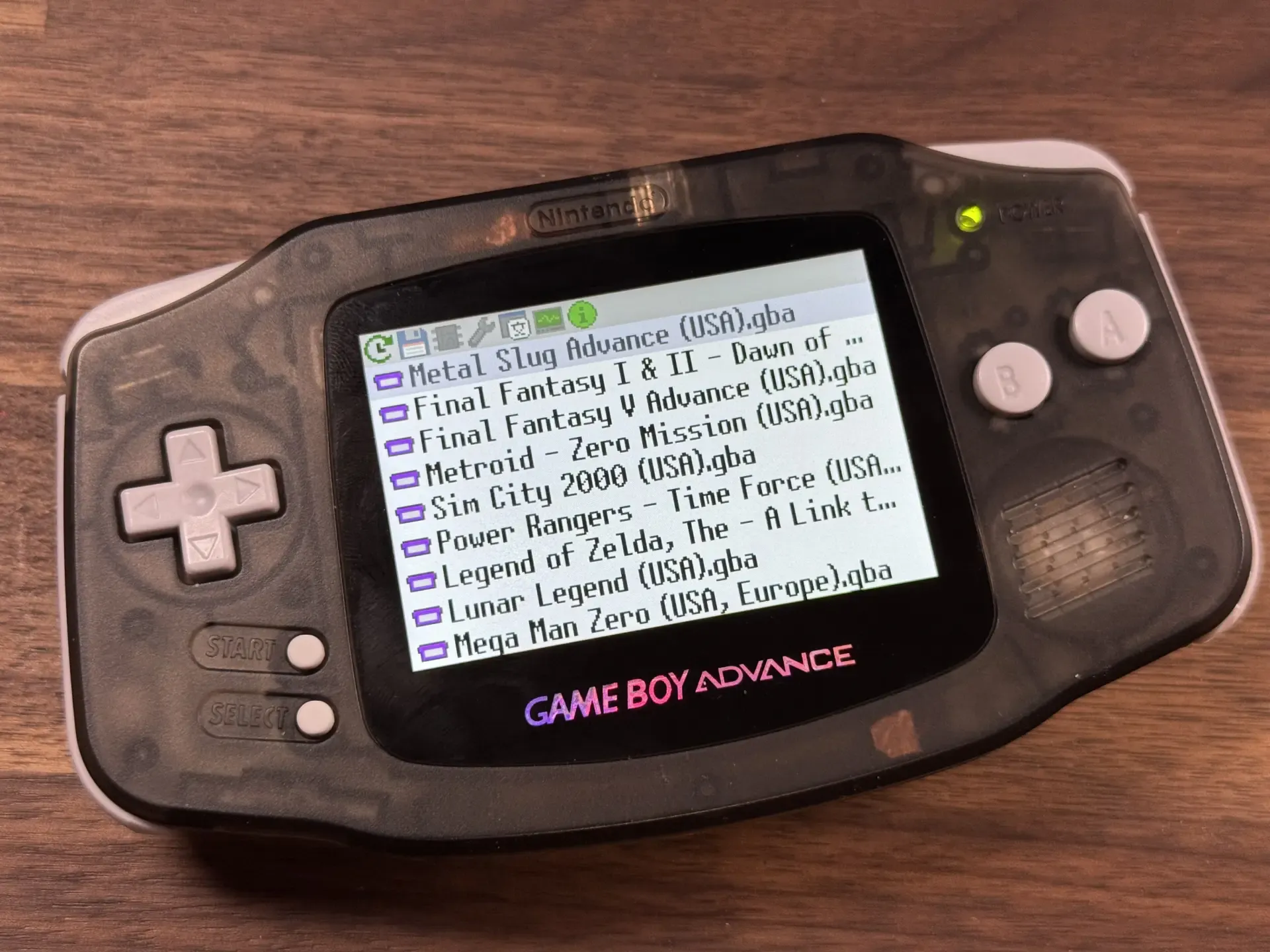
As the time passes, traditional cartridge will continue to age and fail. Games with a cult following can fetch eye watering prices. A flashcart can be a convenient way to experience these games on original hardware, without having to hunt for the orginal cartridge. In addition, flash cartridges can be used to run homebrew games and translations ROM hacks. They also introduces additional concerns such as firmware management, game compatibility, and questionable legal tactics. This article examines what flashcarts add to retro gaming, how they work on original hardware, and why their usefulness depends on more than storage alone.
What Is a Flashcart?
Most cartridge-based consoles are designed around a simple assumption: the console retrieves the game from the cartridge slot. For a standard game, the cartridge usually contains read-only storage for the game data, sometimes paired with rewritable storage for saves or specialized components required by that game. A flashcart, also written as “flash cart,” is a reusable cartridge that can present different pieces of software to the console. Modern flashcarts usually combine onboard hardware, firmware, and removable storage, often in the form of a microSD card.
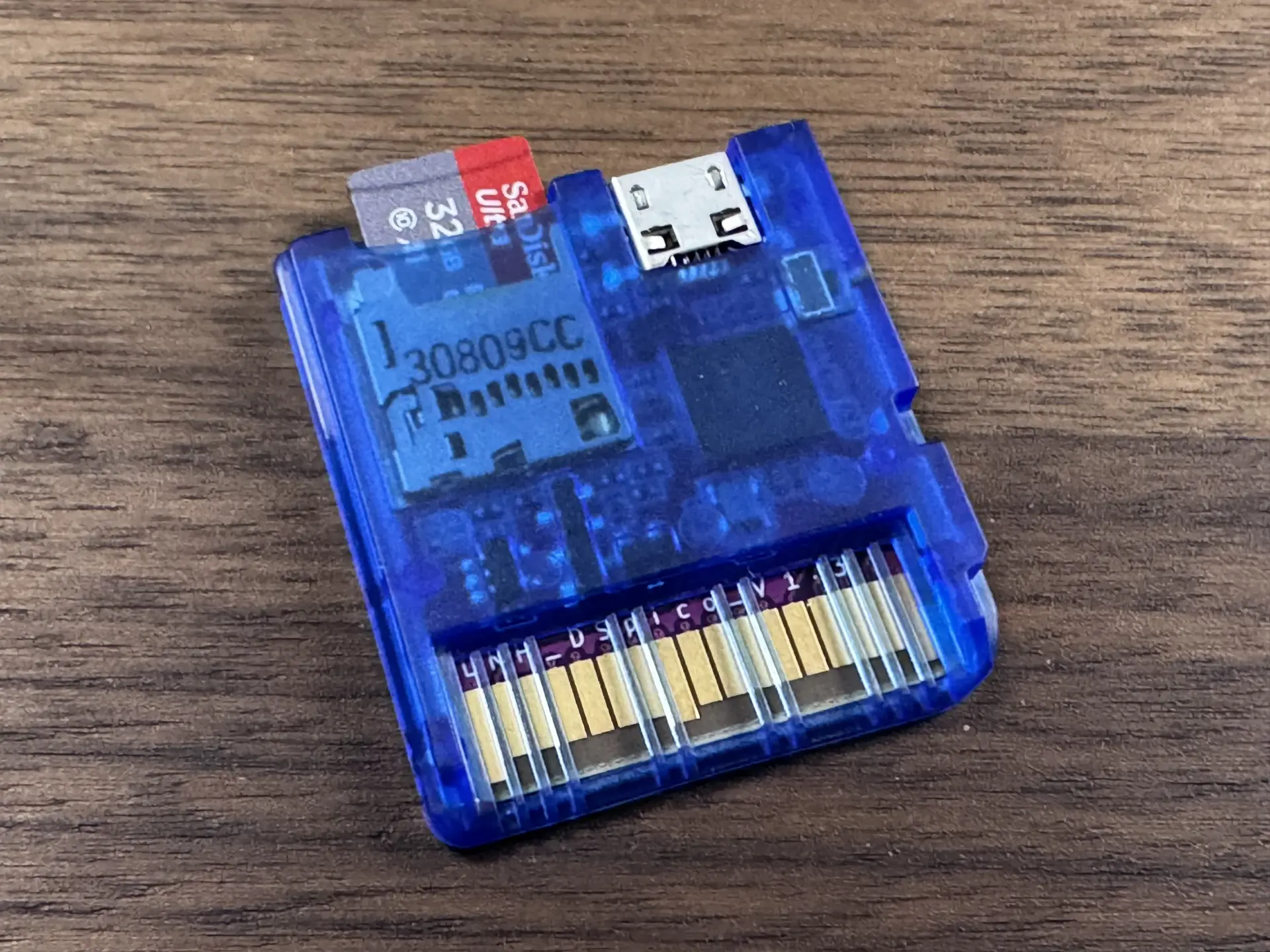
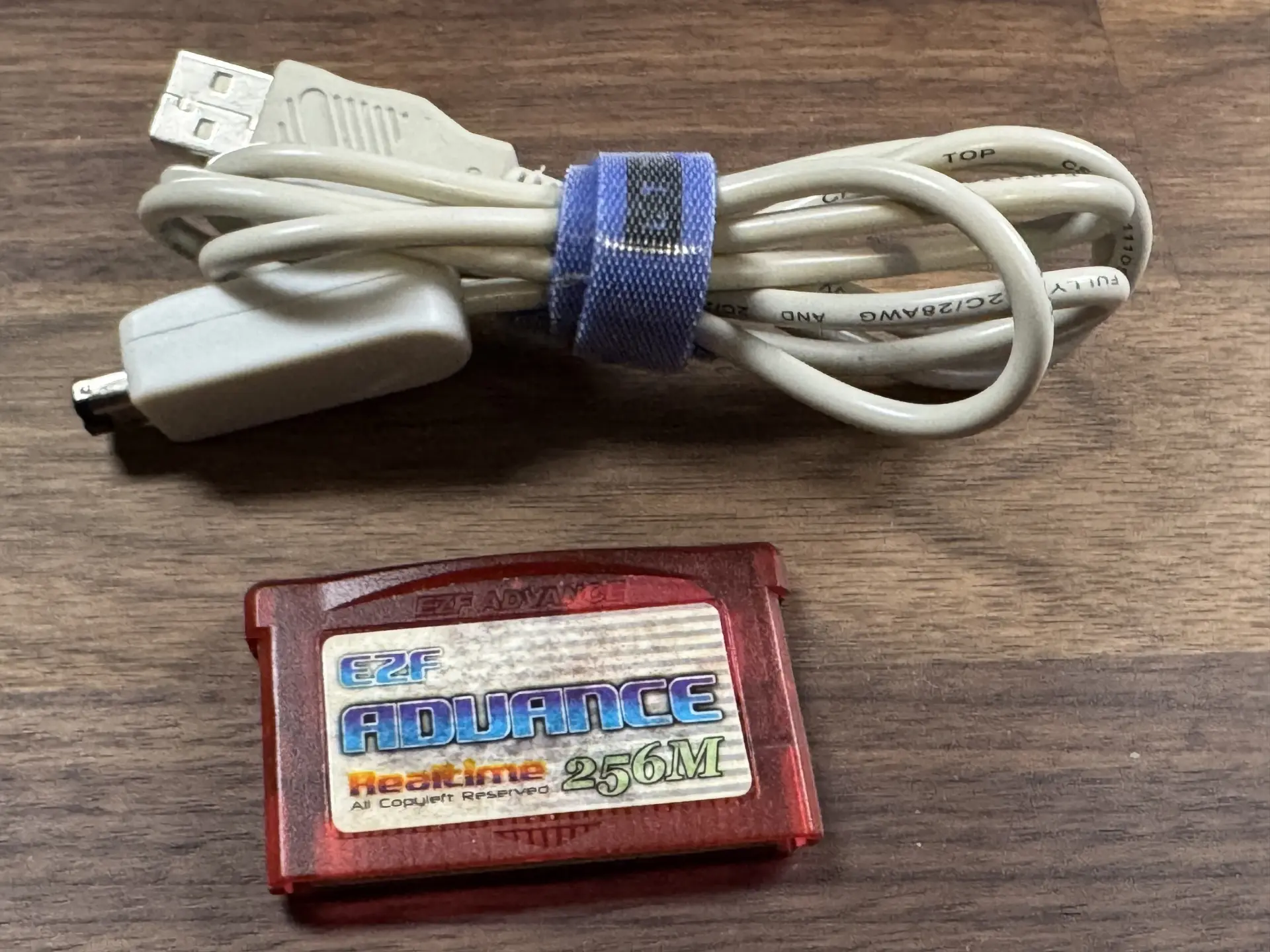
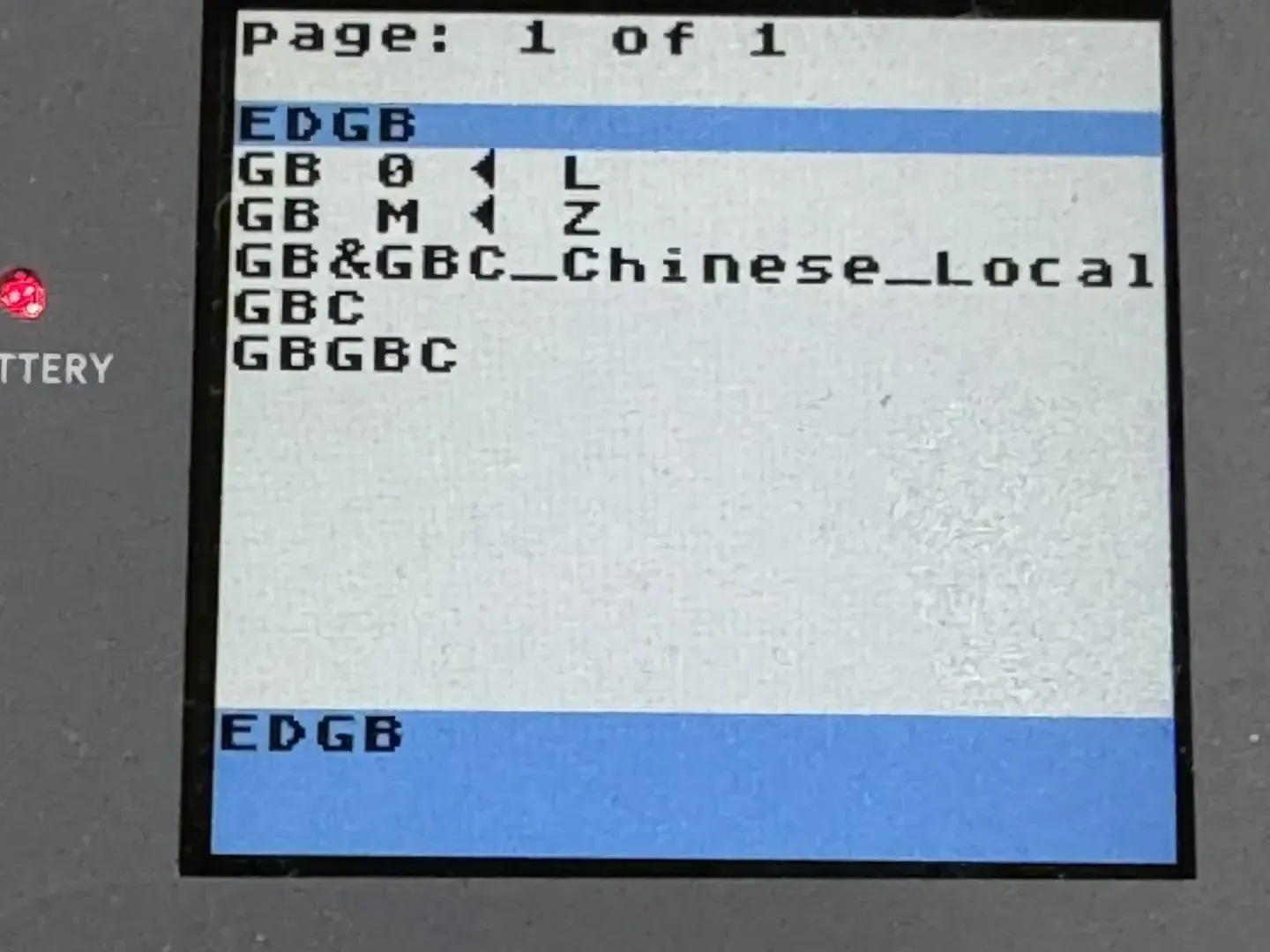
In practice, the user copies compatible files to the storage card, inserts the flashcart into the console, and selects what to run from an on-screen menu. Older flashcarts were often less convenient, since they had to be programmed from a computer through a dedicated writer, linker, or cable.
This is also why many flashcarts work on an unmodified console. The console is still using the cartridge slot as intended, and the flashcart is built to "act" as a typical cartridge. On simpler systems, that may only require presenting game data and save memory in the expected format. On more complex systems, the flashcart may also need to account for lockout chips, save-chip behavior, real-time clocks, enhancement hardware, or other cartridge-specific features.
How do Flashcarts work?
In a standard cartridge game, the console reads game code and data directly from ROM chips inside the cartridge. A modern flashcart changes the first step by providing a small menu program that the console can run. That menu is part of the flashcart’s firmware: the built-in software that controls how the cart reads storage, lists available games or programs, and manages cart-specific features.
The clever trick is that the flashcart can then present the selected software to the console as cartridge data. Depending on the system, that may mean loading the file into onboard memory or mapping storage so the console can access it correctly. Save data also needs special handling, since games that expect cartridge save memory may need those saves written back as files on the flashcart’s storage card. From the player’s point of view, the result is simple: choose a title from the menu, then the console runs it as software from the cartridge.
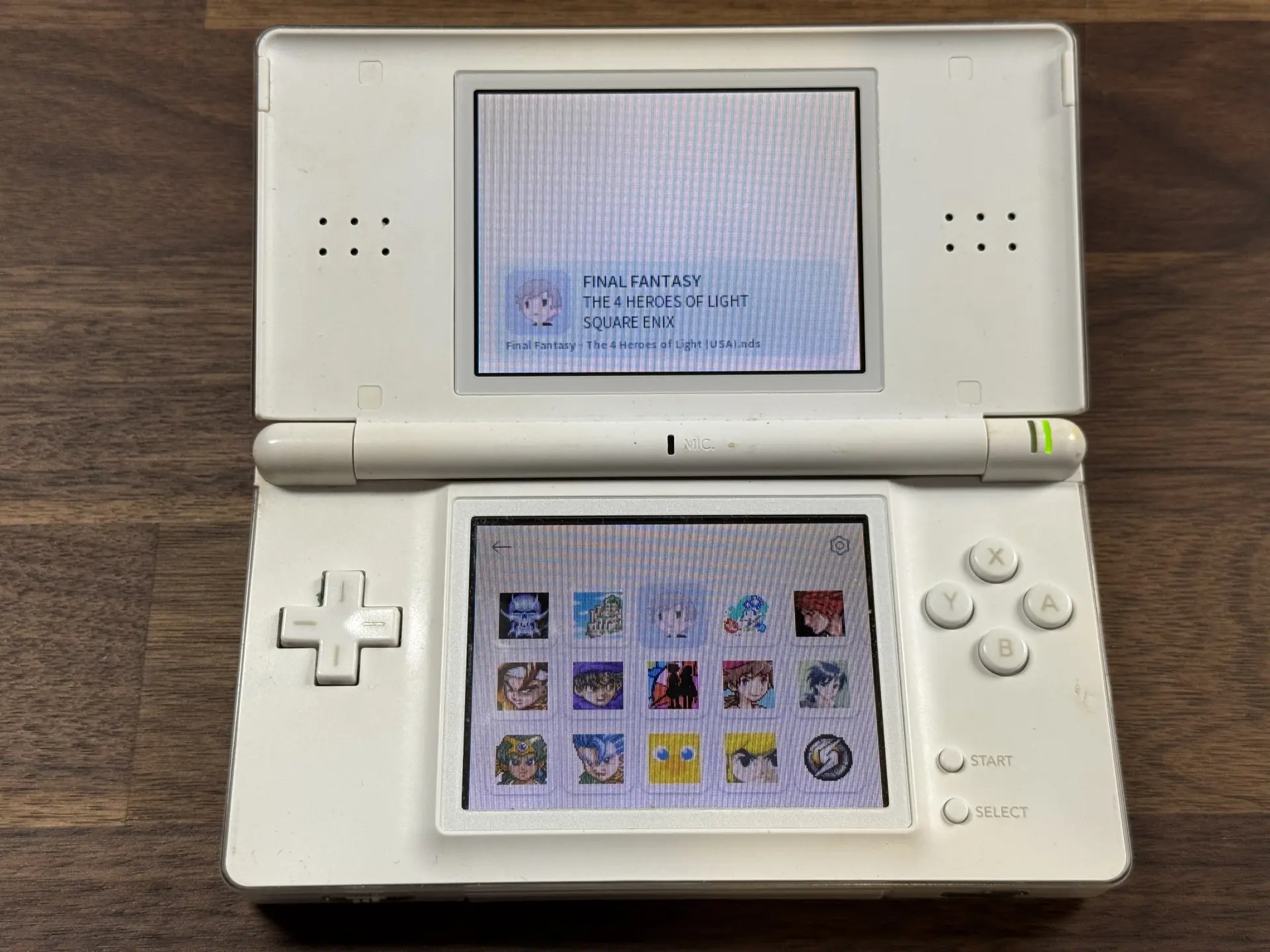
More advanced flashcart features build on that idea by modifying or supplementing how the selected software starts. This process can adjust how a game handles saves, enable a real-time clock feature, improve compatibility with the flashcart, or support translated and modified versions of games. This is achieved through patching, where changes are introduced by modifying the original code before the game runs.
On older flashcarts, patching was often a separate step performed on a computer before the game was copied to the cartridge. On many modern flashcarts, some patching can happen automatically through the cart’s firmware in-memory.
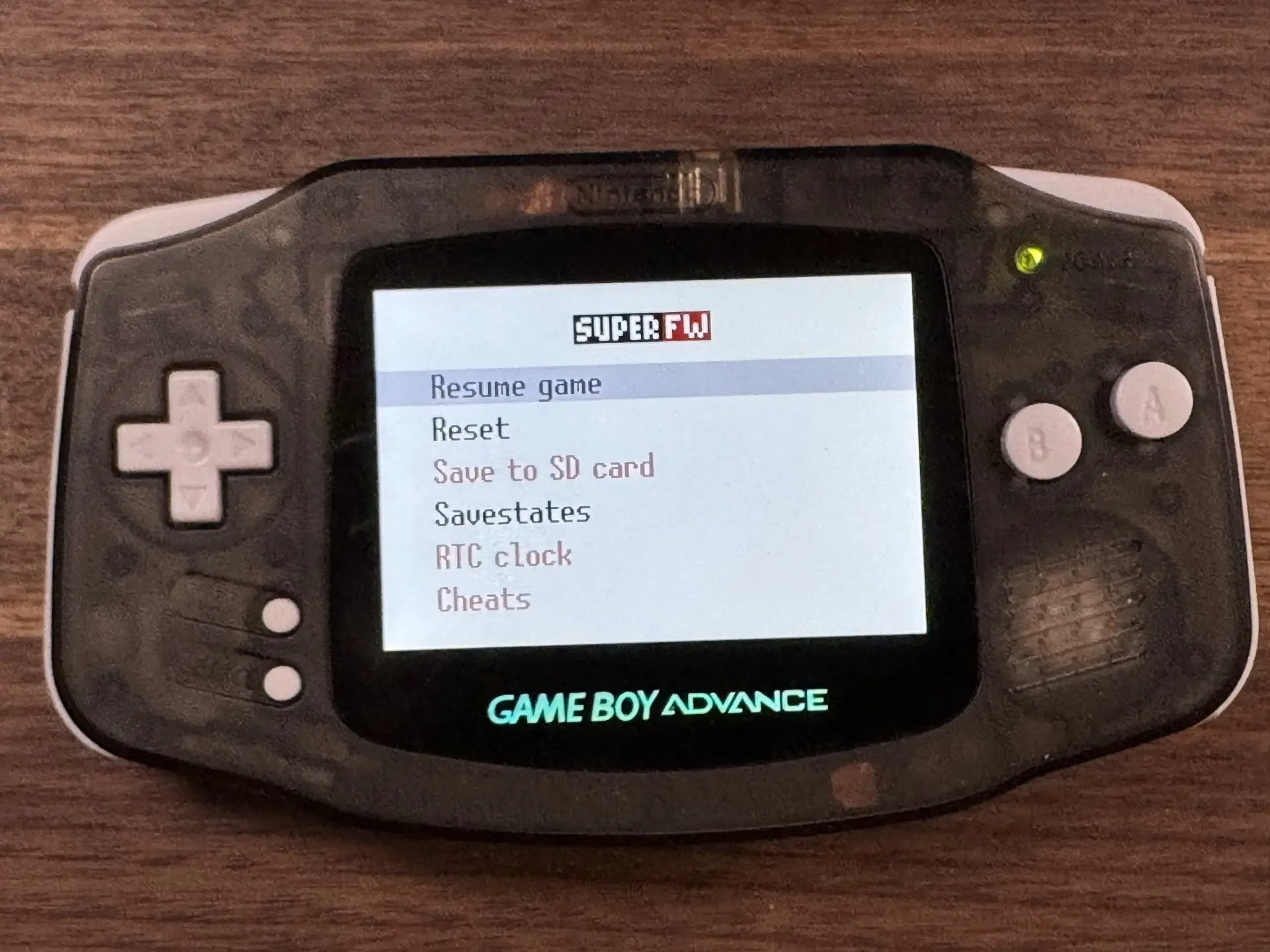
Cheats and overlay menus go a step further by changing how the game behaves while it is running. These changes can alter the game’s balance, add cheat codes, introduce an in-game menu, create save states, or reset the game without power cycling the console. These features can be useful, but they are also more intrusive because they add another layer of code around the running game. That increases the likelihood of unexpected behavior.
For that reason, many flashcarts include a clean boot option that disables features likely to affect stability. Clean boot is useful when the priority is compatibility rather than convenience. It gives the selected game a simpler launch path, closer to how a standard cartridge would behave.
Why use a Flashcart for Retro Console?
Flashcarts grew out of a practical need in the homebrew community. Developers needed a way to run their own software on real hardware, whether that meant a demo, utility, game prototype, diagnostic tool, or hardware test program. Emulators were useful for writing and debugging, but original hardware remained the final test. A flashcart made that possible without manufacturing a dedicated cartridge, which was out of reach for most hobby developers.
 Alex Denault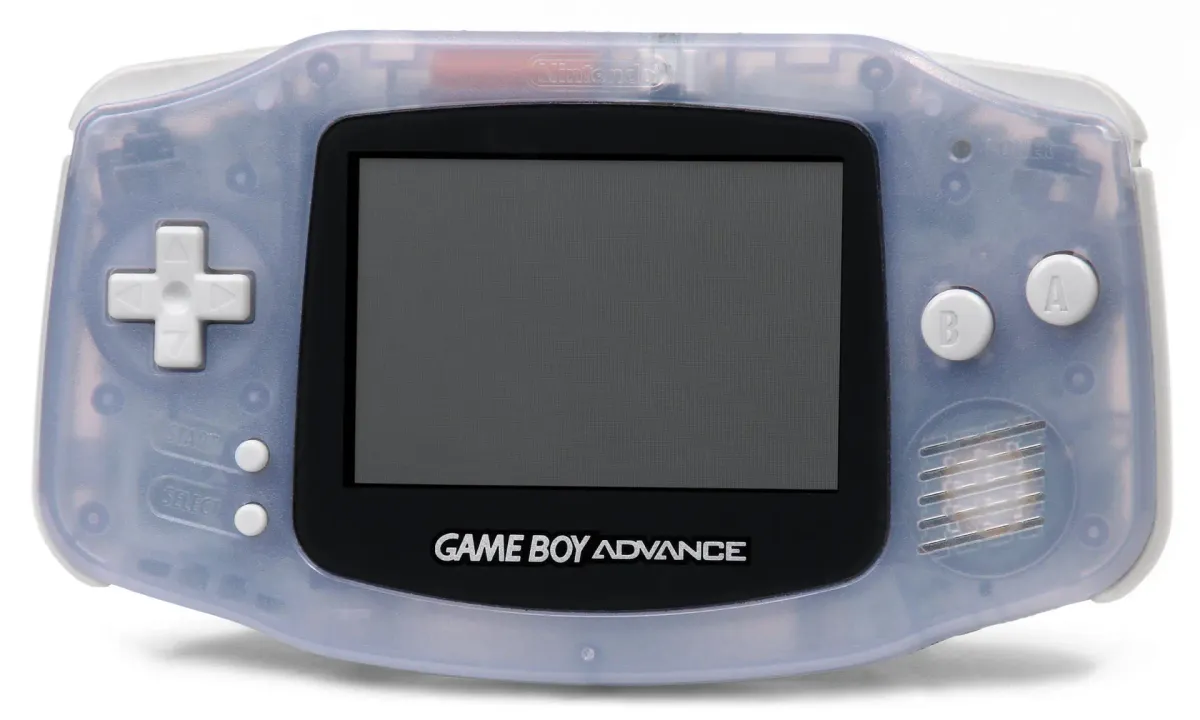
Take a quick look at developing software for the Game Boy Advance.
Convenience became another major use. A single flashcart can hold a library of compatible software, reducing cartridge swapping and making handheld systems easier to use away from home. Emulation can provide similar convenience, but it does not provide the same appeal as original hardware. With a flashcart, the player still uses the original controller, screen, link cable, cartridge slot, video output, and supported accessories.
 Alex Denault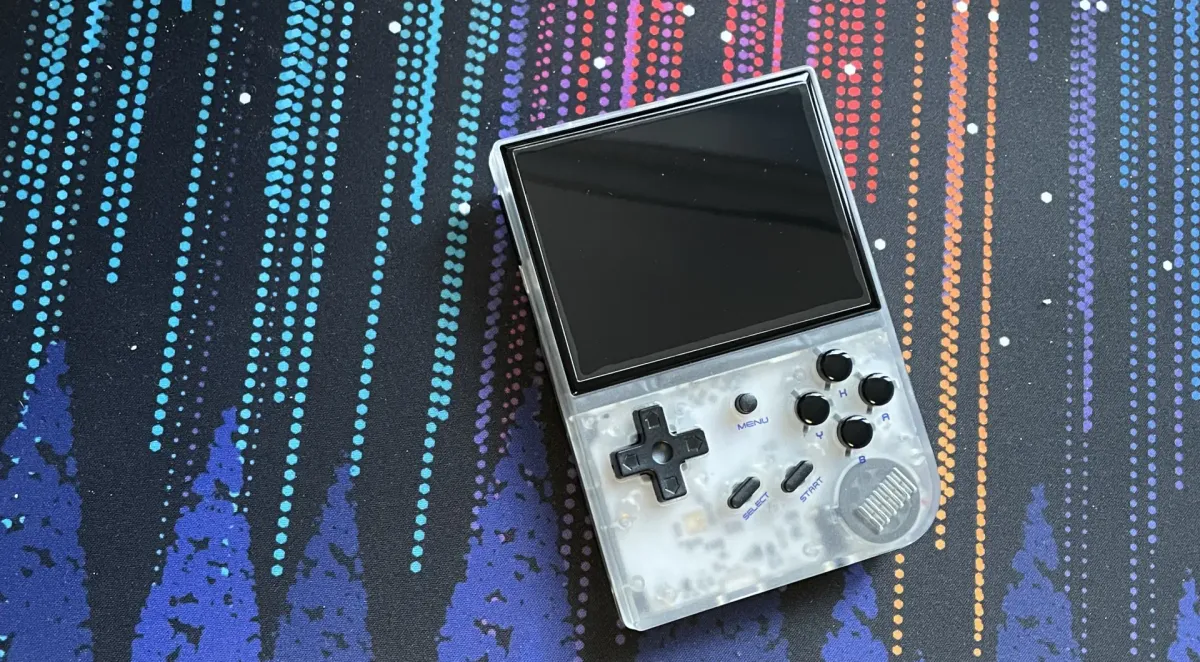
The Anbernic RG35xx offers the modern convenience of expandable storage and emulation, but lacks the tactile feeling of original hardware.
Scarcity also plays a role. Many cartridges can still be found on the retro market, but some are expensive, regional, or difficult to find in reliable condition. Collecting has changed the practical availability of parts of the retro library. Flashcarts do not replace the historical value of original cartridges, and they do not erase the legal questions around software access.
Finally, flashcarts introduce new experiences on old systems. Fan translations can make a previously inaccessible game playable to a wider audience. ROM hacks can rebalance a game, add levels, restore content, or create something closer to a new release. In those cases, flashcarts help the modding community breathe fresh life into consoles long abandoned by their original makers.
What Are the Disadvantages of Flashcarts?
Although flashcarts add flexibility, they also add another layer of hardware and software between the console and the game. Original cartridges are simple from the player’s perspective: insert the cartridge, power on the console, and play. A flashcart may require firmware updates, SD card formatting, menu configuration, save folder setup, or specific patching before it behaves reliably. Luckily, many modern flashcarts hide much of that complexity.
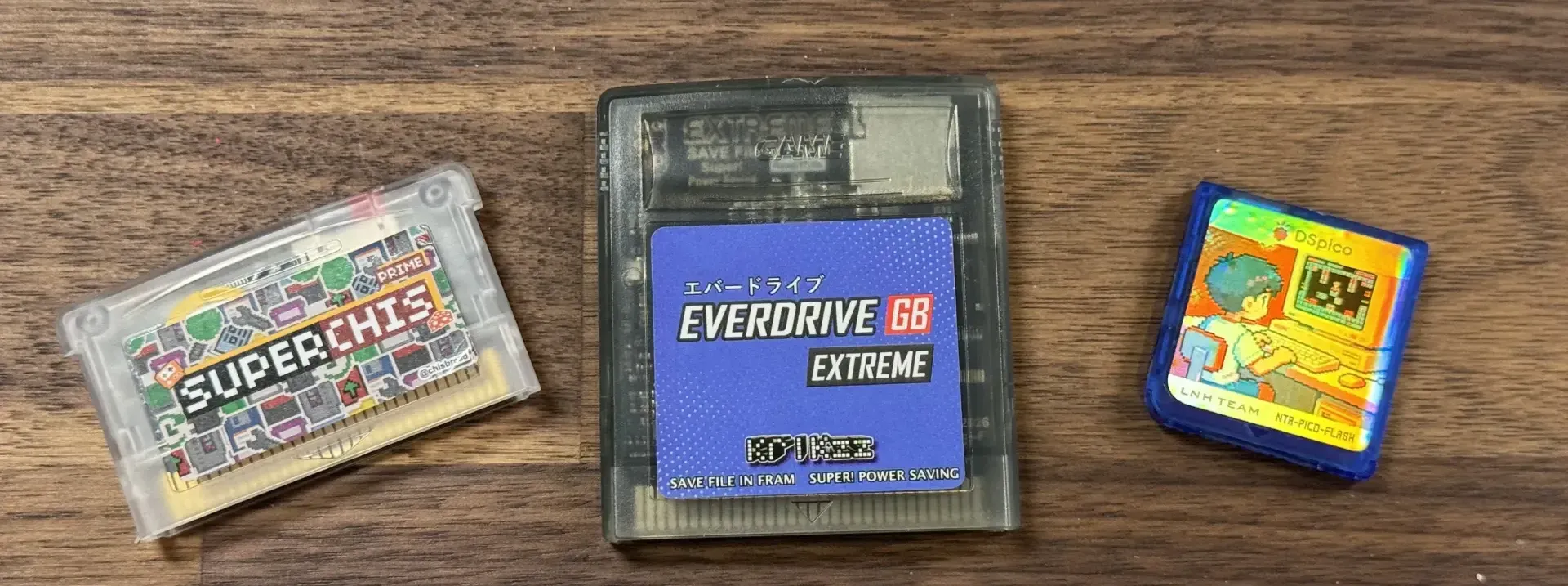
Compatibility is the most obvious limitation. In theory, presenting game data in the format the console expects should be enough. In practice, cartridges do not all behave in exactly the same way. Some games use unusual save hardware, real-time clocks, enhancement chips, memory mapping, or timing behavior that a flashcart has to reproduce. In that sense, the flashcart is often emulating the behavior of the original cartridge rather than simply storing a game file. Save handling can make this more complicated, since save memory was not implemented in a universal way across every system or cartridge library.
That software maintenance usually falls to the flashcart manufacturer or to a dedicated community of volunteers. When support is active, firmware updates can improve compatibility, fix save issues, and make setup easier. Years later, the same cart can become harder to use if firmware downloads disappear, documentation becomes outdated, or community knowledge is scattered across old forum posts. This is especially true for early flashcarts, which often required specialized software or hardware to write content to onboard flash memory.
Flashcarts can also introduce practical hardware problems. Slow or unreliable microSD cards can affect loading, menu behavior, save writing, or games that depend on frequent storage access. Power can also become a factor, especially on handheld systems. An original Game Boy Advance running a flashcart, rechargeable NiMH batteries, and an upgraded IPS screen mod may have less electrical margin than the original hardware design assumed. In those cases, crashes or instability may come from the combined setup rather than the game itself.
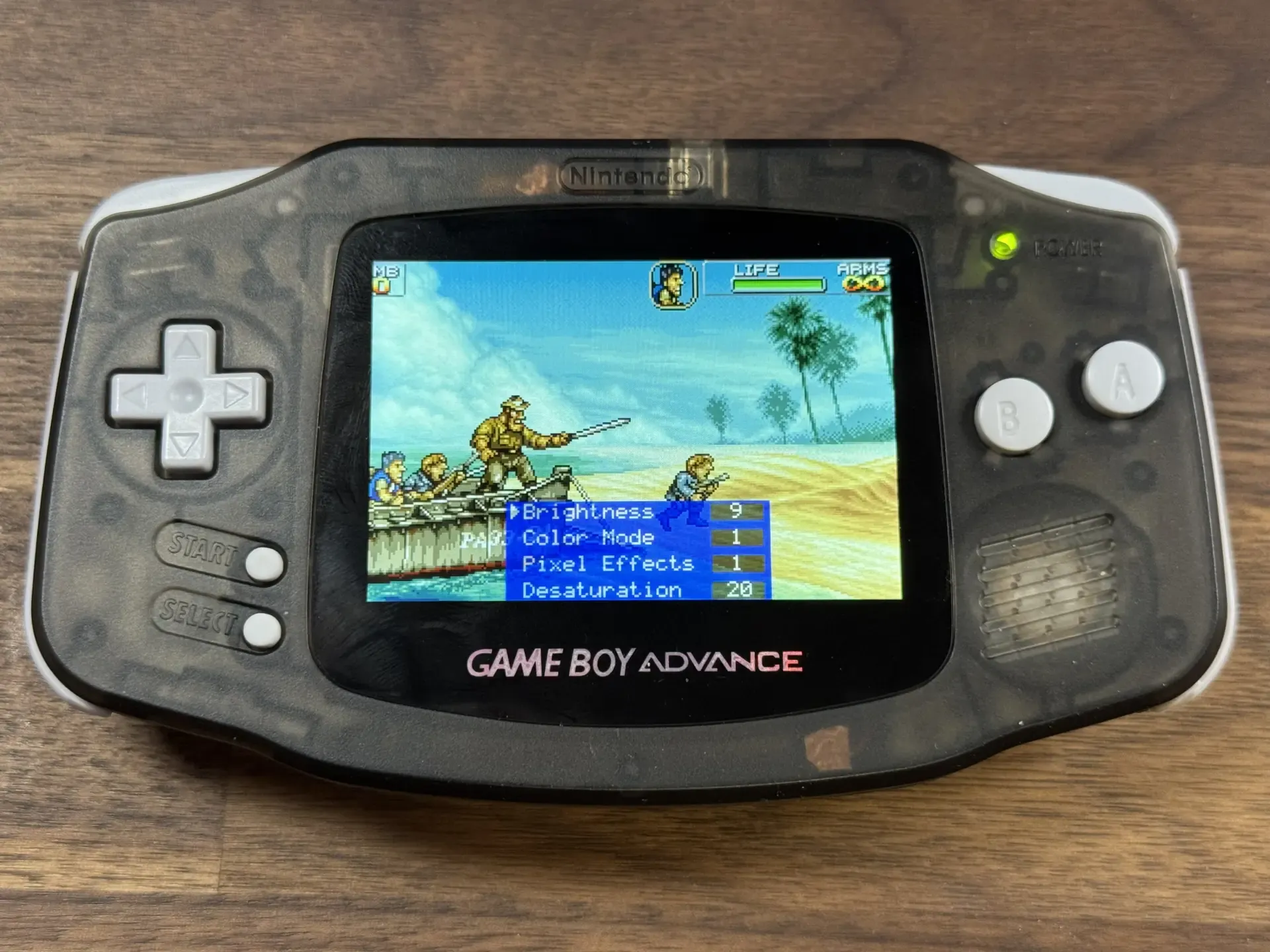
Finally, the previously introduced advanced features can create another source of instability. Cheats, save states, soft reset commands, and in-game menus often require patching or runtime hooks. Those features can be useful, but they also move the flashcart further away from clean cartridge behavior.
Are Flash Carts Legal?
Flashcarts sit in an awkward legal space because the cartridge and the software loaded onto it are separate issues. The hardware itself can have legitimate uses, including homebrew development, diagnostics, accessibility experiments, preservation work, fan projects, and personal backups where local law allows. A flashcart becomes legally risky when it is used with copyrighted games that were downloaded, shared, sold, or distributed without permission.
The simplest way to frame it is this: a flashcart is not automatically piracy, but it can be used for piracy. The legal concern usually depends on what software is loaded onto the cart, how that software was obtained, whether any copy protection was bypassed, and which country’s law applies. Nintendo, for example, has taken a strong public position against unauthorized ROM distribution and has pursued legal action against ROM sites. That does not make every flashcart use illegal, but it shows why the software source matters.
Backups are also more complicated than many online discussions suggest. Owning a cartridge does not automatically make every downloaded copy lawful. Some jurisdictions may allow limited personal backup or format-shifting rights, while others may restrict copying or treat circumvention of copy protection as a separate issue. In the United States, DMCA exemptions for video game preservation are narrow, and recent preservation debates have focused heavily on libraries, archives, museums, and access limits rather than broad permission for consumers to download old games. In Canada, the issue is similarly complex. Canadian copyright law includes a backup-copy exception for some works, but that exception does not apply if making the copy requires circumventing a technological protection measure, and Canadian anti-circumvention rules can treat bypassing digital locks as a separate problem.
How Do I Choose a Flashcart?
Choosing a flashcart starts with the exact hardware it will be used in. For example, a Nintendo DS flashcart may have different behavior on a DS Lite, DSi, or 3DS. Or a Game Boy flashcart may work well in an original Game Boy or Game Boy Color, then show problems when used through a Game Boy Advance. Console revision models, power behavior, firmware restrictions, and backwards compatibility modes can all matter. Before buying, research for the specific console model, not only the cartridge slot.
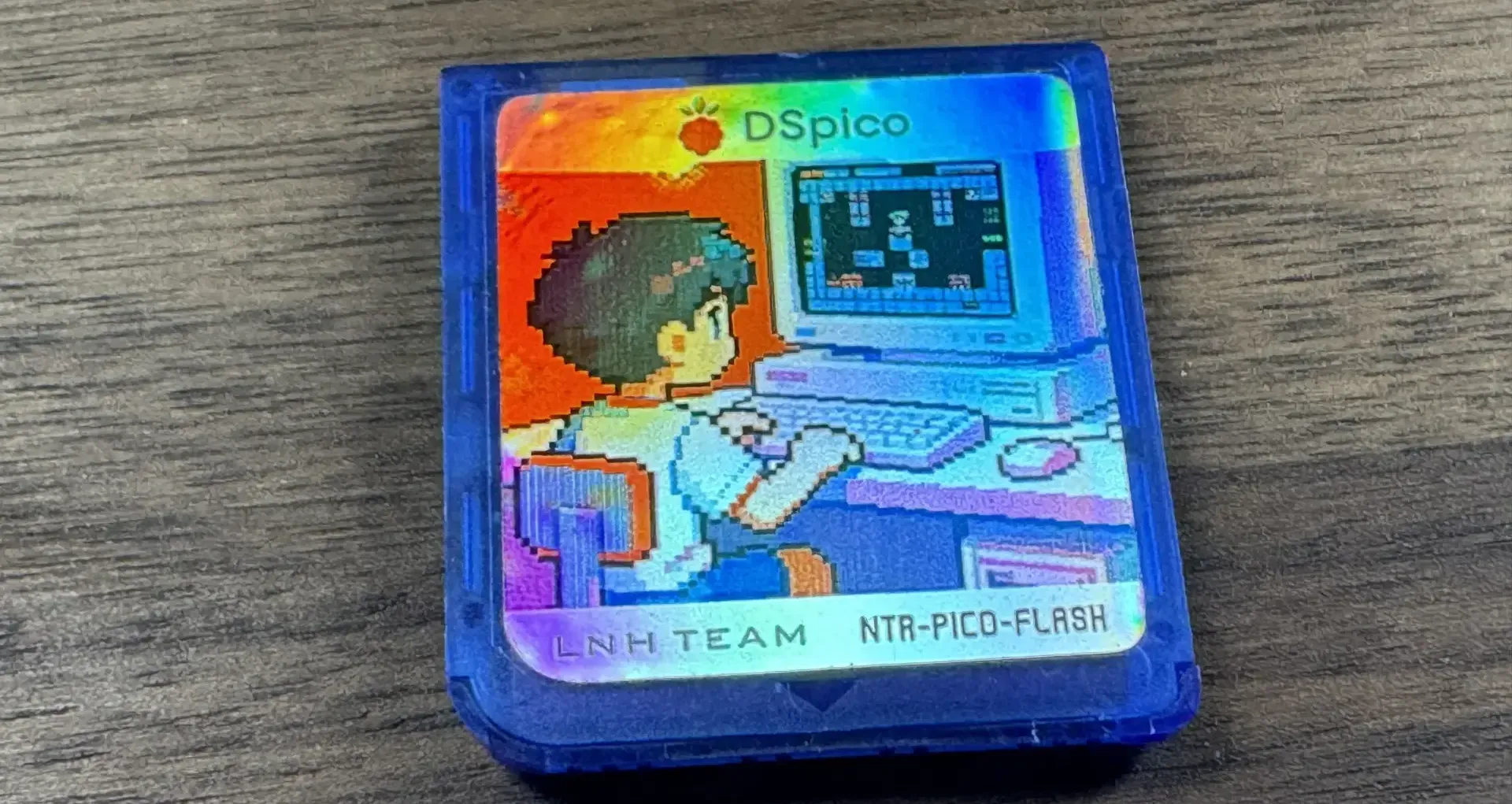
Compatibility comes next. For many systems and many games, compatibility should be straightforward, especially on mature flashcarts with good firmware. The problem cases usually come from cartridges that include specialized hardware. A flashcart needs to reproduce enough of that hardware for the game to work correctly.
The feature set should be judged alongside stability: additional features do not automatically result in the better choice. For regular play, stable booting, reliable saves, and predictable behavior may matter more than advanced options. However, for homebrew, the advance features might be essential to the development process.
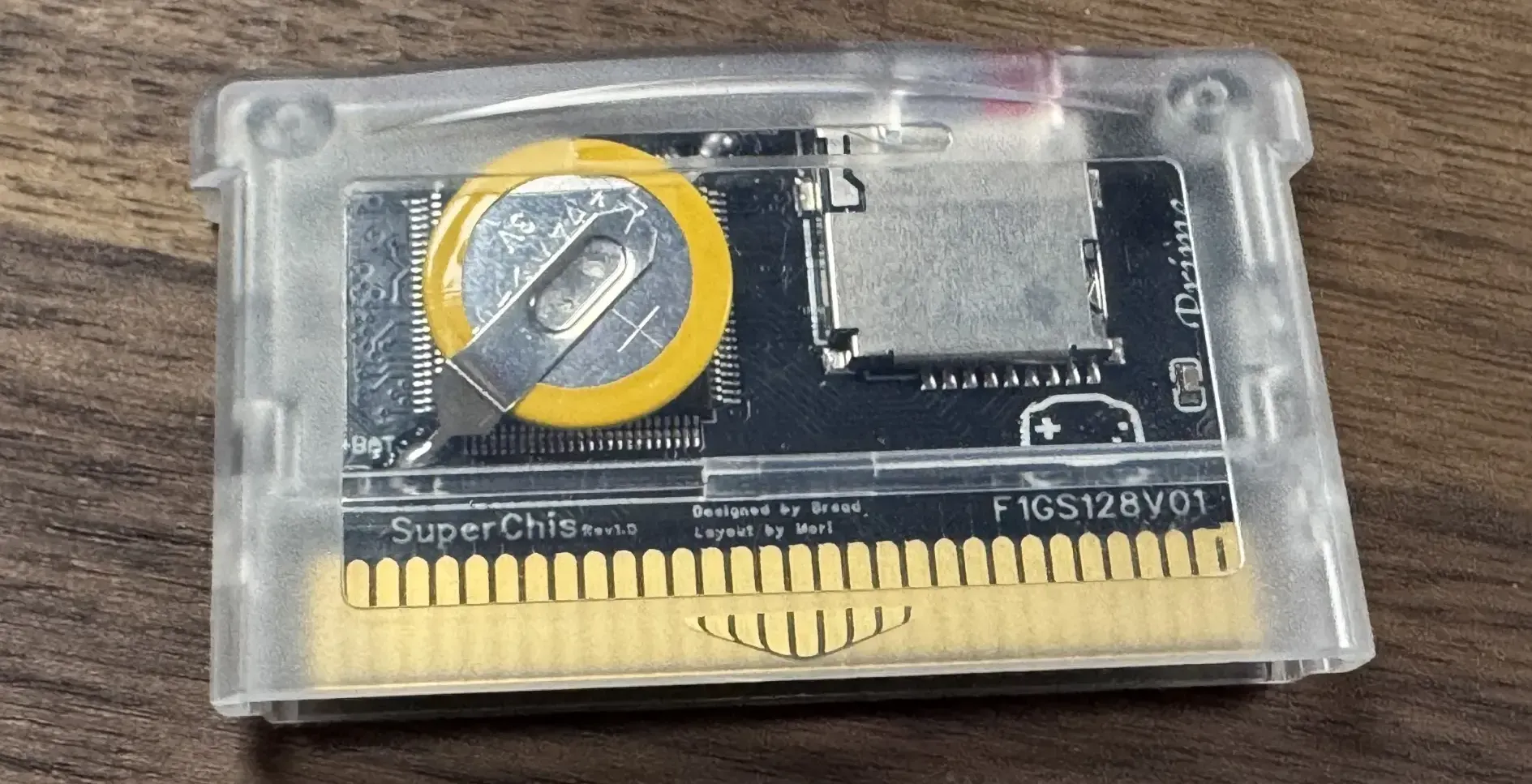
Support is the final major consideration. Flashcarts often come from small manufacturers, hobby developers, or community projects, so long-term support can vary widely. A cart with active firmware, clear documentation, recent user reports, and a knowledgeable community is usually a safer choice than a cheaper cart with unclear origins. Open-source firmware or hardware is a bonus because it can make the cart easier to understand, maintain, document, or revive if the original vendor disappears. In practice, the community around a flashcart can be as important as the hardware itself.
The practical rule is simple: choose the flashcart that is well documented for the exact console model and use case. A reliable, supported cart will often be a better long-term choice than a more ambitious cart with uncertain compatibility or abandoned firmware.
Flashcarts Today: Useful, Imperfect, and Community-Driven
Flashcarts occupy an important space in retro gaming. They keep the original console involved while replacing the fixed cartridge with reusable storage, firmware, and community-maintained knowledge. That makes them useful for homebrew, diagnostics, fan translations, ROM hacks, and players who want to use original hardware without depending entirely on original cartridges.
 Alex Denault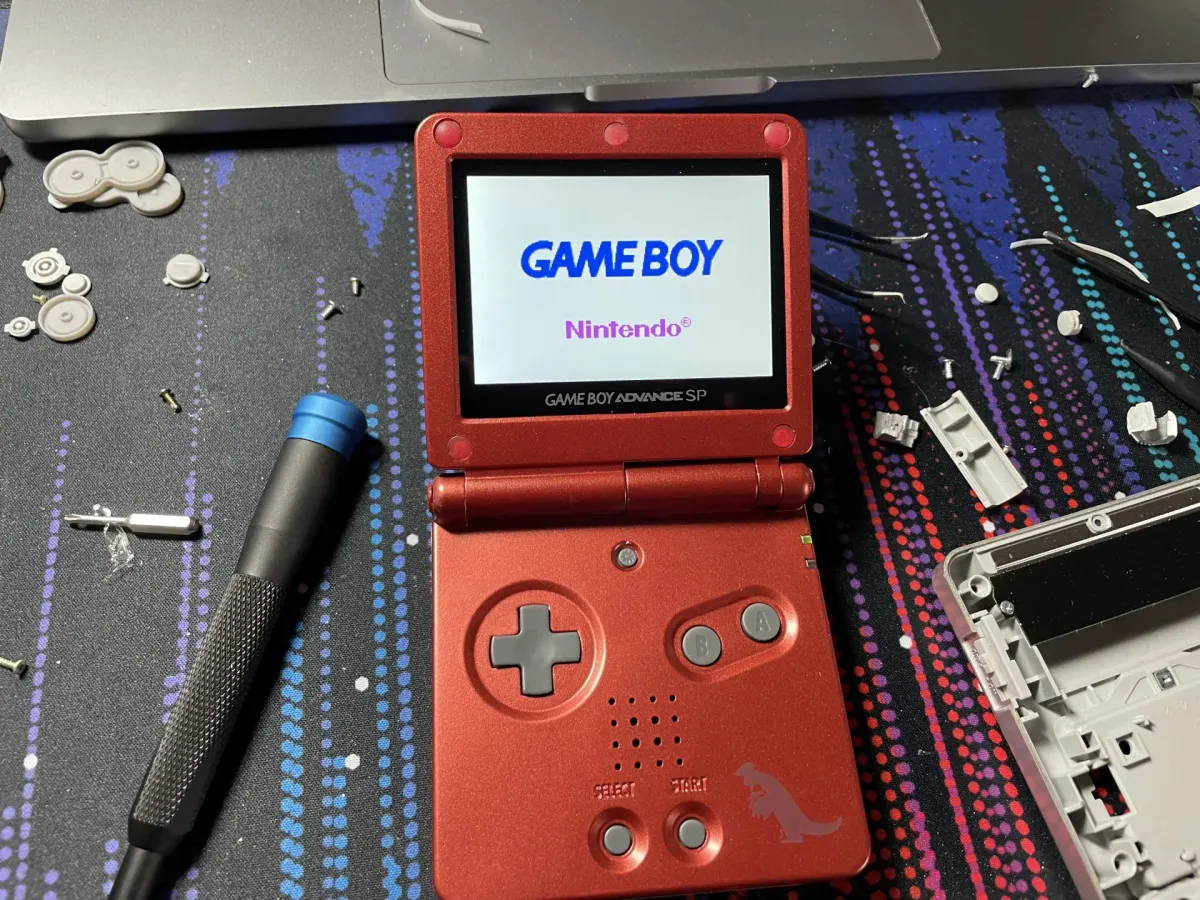
Flash carts are great on retro hardware, and even better when that hard is upgraded.
They also remain imperfect. A flashcart adds complexity that a standard cartridge does not have. Firmware, SD cards, save handling, patching, and compatibility lists can all become part of the experience when something goes wrong. For some users, that is an acceptable tradeoff. For others, an emulator, FPGA system, or original cartridge may be simpler.
The community around flashcarts is part of their long-term value. Many carts stay useful because of that community effort, from maintaining open-source firmware to documenting workarounds years after the original seller has moved on. Flashcarts were created from community need, and they continue to age better when dedicated communities preserve the knowledge needed to use them.
What role do flashcarts play in your own retro gaming setup: homebrew tool, convenience device, preservation aid, or something else? For another way to enjoy retro hardware with a modern twist, read the Technodabbler article on the DIY arcade cabinet, which looks at building a dedicated retro gaming setup around arcade controls.